Roblox is a massive gaming platform that has expanded to nearly every screen you own in the current year and beyond. Whether you are wondering where to play Roblox for the best performance or how to access it on your console this guide covers everything from PC setups to the latest PlayStation 5 release. Many gamers ask about the differences between the mobile app and the desktop version while looking for the smoothest experience possible for their daily sessions. We dive into the system requirements for Mac and Windows users to ensure your hardware can handle the most demanding experiences like Blox Fruits or Brookhaven. You will also find details on the recent Meta Quest VR support which brings a whole new dimension to the metaverse. This comprehensive overview is designed to help players navigate the vast ecosystem of devices and find the perfect way to join their friends online today.
This ultimate living FAQ is updated for the latest patches and platform expansions to ensure you have the best information. We have gathered the most common questions from the community to help you navigate the world of Roblox across all devices. Whether you are a total beginner or a pro looking for performance tips we have got you covered with honest answers. This guide covers everything from account security to the latest console releases and virtual reality integration for the current year. Read on to find out how you can optimize your setup and play with your friends more effectively than ever before.
Beginner Questions
Where is the best place to download Roblox safely?
You should only ever download the platform from official sources like the Roblox website or the official app stores. For PC and Mac visit the main site while mobile users should use the Apple App Store or Google Play Store. Console players can find it in the Xbox or PlayStation digital storefronts for free. Avoid third-party websites that claim to offer modified versions of the game because they are often unsafe.
How do I create an account to start playing games?
Creating an account is a simple process that requires you to provide a birthday and a unique username and password. You do not need an email address to start but adding one later is highly recommended for account recovery purposes. Once you have signed up you can log into any device using the same credentials to access your games. Always make sure to choose a strong password to protect your virtual items and progress.
Multiplayer Issues
Why can I not join my friends in a specific game?
There are a few reasons why you might have trouble joining a friend who is already playing a game session. First check if their privacy settings allow friends to join them or if the game server is currently full. Sometimes different platforms might be running slightly different versions of the app after a very recent update or patch. Ensure both you and your friend have updated your applications to the latest version available in your store.
Tips & Tricks
How can I make the game run faster on my phone?
If your mobile device is struggling with lag you should try closing all other open apps before starting your game. You can also go into the Roblox settings menu and turn down the graphics quality to the lowest setting possible. Playing while connected to a strong Wi-Fi signal is usually much better than using a cellular data connection for stability. Keeping your device cool and not charging while playing can also prevent performance drops from overheating issues.
Still have questions?
Check out our popular guides on How to Get Robux Safely and the Best Games to Play with Friends in 2024 for more info. Summarizing the topic of where to play Roblox is all about finding the device that fits your personal lifestyle and needs. It is a truly universal platform that wants you to be able to play whenever and wherever you feel like it. The cross-platform nature of the system means you are never locked into one single piece of expensive hardware forever. You can start on a phone and move to a high-end PC as you become more invested in the community. It is this flexibility that makes the platform so special for millions of players around the entire world today. 😊
Where can I actually play Roblox in 2024 if I want the smoothest experience possible for my favorite games? I remember the days when we were strictly limited to our bulky desktop computers and slow internet connections back then. Now you can literally pull your phone out of your pocket and jump into a massive digital world immediately. The platform has evolved into a multi-device powerhouse that bridges the gap between different types of hardware and players. You might be sitting on your couch with a controller or riding the bus with a small touchscreen device. No matter where you are there is a way to connect with millions of other players around the globe. This guide will walk you through every single option available for your gaming setup this year specifically.
The Gold Standard The PC and Mac Experience
Playing on a computer remains the most powerful way to experience the high-fidelity graphics of modern Roblox game titles. You can download the standalone player from the official website or use the Microsoft Store version on your Windows PC. Mac users have a dedicated client that runs smoothly on both Intel chips and the newer Apple Silicon hardware too. Using a mouse and keyboard gives you much better precision for competitive games like BedWars or various combat simulators. Most players prefer the desktop version because it allows for easy multitasking and better communication through various external chat apps. You can also customize your graphics settings more deeply to match the specific power of your own hardware setup. High-end PCs can run the platform at maximum settings while maintaining a very high frame rate for smooth movement.
Console Gaming Exploring Xbox and PlayStation Support
Many fans asked for a long time when the platform would finally arrive on the popular PlayStation 4 and 5 consoles. The wait is finally over and you can now download the app for free from the official PlayStation Store today. Xbox players have enjoyed the platform for years and the experience is very stable on the Series X and S. Playing on a large television screen offers a cinematic feel that you simply cannot get on a tiny mobile phone. The console versions support full cross-play so you can join your friends who are playing on their computers or phones. Controller support is integrated perfectly which makes platforming games and racing titles feel much more responsive and natural for gamers. You just need a stable internet connection and a free account to start exploring thousands of user-created worlds right now.
Gaming on the Go Mobile and Tablet Accessibility
The mobile app is arguably the most important version of the platform for the majority of the global player base. You can find the application on the Apple App Store for iPhones and the Google Play Store for Android devices. Tablets like the iPad offer a great middle ground between the portability of a phone and the screen size of consoles. The touch controls are intuitive but you can also connect a Bluetooth controller if you prefer a more traditional feel. Mobile gaming allows you to check on your virtual pets or trade items while you are away from home. It is important to have a strong Wi-Fi signal or a fast data plan to avoid lag during gameplay. The app is optimized to run on a wide variety of devices from flagship phones to more affordable budget models.
The Next Frontier Virtual Reality on Meta Quest
Roblox has officially entered the world of virtual reality by launching on the Meta Quest 2 and Quest 3 headsets recently. This allows you to step inside the games and see the world from a truly first-person perspective for the first time. Navigating the metaverse in VR offers a sense of scale and immersion that traditional screens simply can never truly replicate. You can use the Quest touch controllers to interact with objects and move through environments in a very natural way. Not every game on the platform supports VR yet but the list of compatible titles is growing every single week. This is a great way to experience social hangouts and horror games with a much higher level of intensity. Make sure you have enough physical space in your room to move around safely while wearing your VR headset.
Beginner / Core Concepts
1. **Q:** What is the easiest way for a new player to start playing Roblox for the very first time? **A:** I get why this feels overwhelming because there are so many options available to you right now as a beginner. The easiest path is to simply go to the official website on your computer and create a free account today. From there you can click any game and the site will prompt you to download the small player application. It takes less than five minutes to set everything up and start exploring your very first digital world immediately. You do not need a powerful computer to run the basic games so do not worry about your hardware. You have got this and you will be playing in no time at all!
2. **Q:** Is the game free to play on all of these different platforms or are there hidden costs? **A:** This one used to trip me up too because many modern games have hidden fees or forced subscriptions to play. Roblox is completely free to download and play on every single supported device including consoles and mobile phones right now. While you can buy a virtual currency called Robux to get cool outfits it is never required to enjoy games. You can experience millions of worlds without ever spending a single cent of your own real money during your time. Just enjoy the creative fruits of the community and have fun exploring everything they have built for you today. Try starting with some free popular games and let me know how much you enjoy the variety you find!
3. **Q:** Do I need to create a new account if I switch from playing on my phone to Xbox? **A:** I totally understand why you would worry about losing your progress when switching between different devices in your home. The great news is that your account is universal and works across every platform without any extra steps or fees. You just need to remember your username and password to log in on your console or your new laptop computer. All of your items and your friends list will be right there waiting for you exactly as you left them. This makes it so easy to play at home and then continue your adventure while you are out. It is a seamless experience that really helps you stay connected to your favorite digital communities at all times!
4. **Q:** Can I play with my friends if they are on a different device than the one I use? **A:** This is a question I hear a lot from parents and new players who want to join their social circles. Cross-platform play is one of the best features of this entire ecosystem because it brings everyone together regardless of hardware. If you are on a PlayStation and your best friend is on an iPhone you can still play together. You just need to add them to your friends list using their unique username within the main application menu. Then you can join the same game server and start your adventure side by side in the virtual world. It is a fantastic way to stay in touch with people no matter what technology they own!
Intermediate / Practical & Production
5. **Q:** How can I improve my performance and reduce lag when playing on an older laptop or computer? **A:** I have definitely been there before when a game feels choppy and it ruins the fun of the experience. The first thing you should do is open the in-game settings menu and lower the graphics quality to manual mode. Reducing the slider to one or two bars can significantly increase your frame rate and make the movement much smoother. You should also close any unnecessary background programs like web browsers or music players to free up your system resources. Using a wired internet connection instead of wireless can also help stabilize your ping and prevent frustrating game disconnects. Give these small changes a try and you will notice a big difference in your next gaming session tonight!
6. **Q:** What are the specific system requirements for running the platform on a modern Windows or Mac computer? **A:** This is a very practical concern for anyone looking to buy a new device or upgrade their current gaming setup. You generally need at least a dual-core processor and four gigabytes of system memory to run most games effectively today. For graphics you will want a card that supports DirectX 11 or higher to ensure compatibility with modern lighting effects. Most computers made in the last five years will handle the platform easily without any major issues or hardware upgrades. If you are on a Mac make sure you are running macOS 10.13 or a newer version of the software. You should check your system properties today to see if you meet these basic but important hardware requirements!
Advanced / Research & Frontier
7. **Q:** How does the Meta Quest VR version differ from the standard desktop experience in terms of game mechanics? **A:** Entering the frontier of virtual reality is an exciting step that changes how you interact with every single game world. In the VR version you use your head movement to look around and your hand controllers to touch virtual objects. This adds a layer of physical presence that makes social interactions feel much more personal and real than a screen. Some games have special VR-only modes that allow for unique movements like climbing or manual tool handling with your hands. However some complex games designed for keyboards might be harder to navigate without a traditional input method available to you. It is a fascinating way to play that I highly recommend trying if you have the proper hardware!
Quick Human-Friendly Cheat-Sheet for This Topic
- Always use the official stores like Google Play or the Apple App Store to download the game safely.
- Check your internet speed if you experience lag because a stable connection is more important than high speeds.
- Use a mouse and keyboard on PC if you want to be competitive in fast-paced combat or building games.
- Enable two-factor authentication in your settings to keep your account and your hard-earned items safe from hackers.
- Remember that your progress is saved to the cloud so you can switch devices whenever you want to play.
- Explore the PlayStation and Xbox stores if you want to see your favorite games on a big television screen.
Full cross-platform support for PC Mac Xbox PlayStation and Mobile. Meta Quest VR integration is now officially available for immersive play. PlayStation 5 version offers enhanced performance for large-scale games. Mobile app remains the most popular way to access the platform worldwide. System requirements remain accessible for older hardware and budget devices.
35


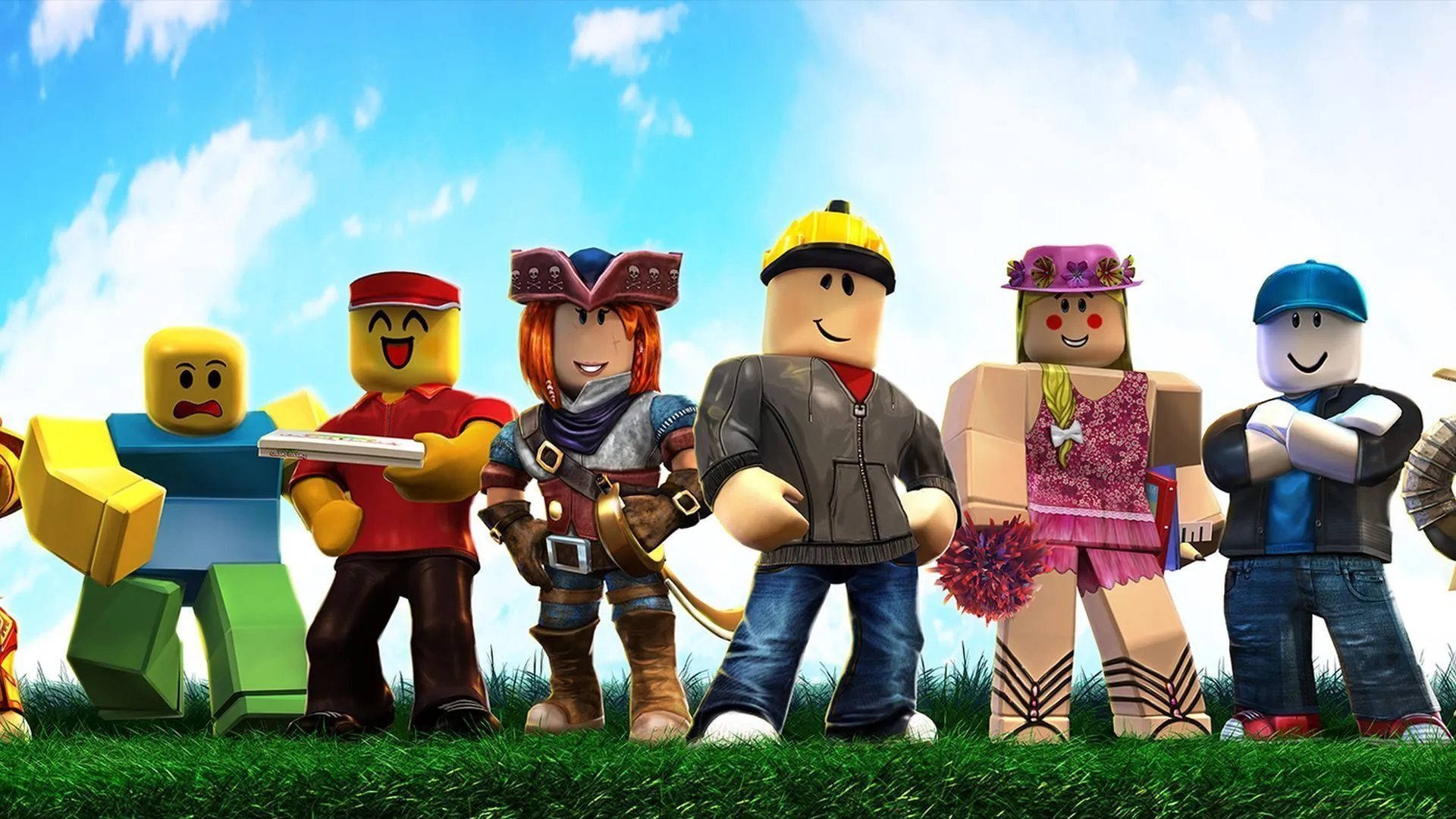

How To Play Roblox Online Free In 2026 Full Guide How To Play Roblox Online 1024x683 . 12 Best Roblox Games To Play In 2026 Insider Ranked List 12 Roblox Top Games Of 2026.webp. 100 Unofficial Roblox Annual 2026 Brand New For 2025 The Iconic SL1500 . 10 Roblox 2026 Gaming Net Roblox 1 . Roblox 2026 Insider Reveals Platform Evolution Safety 4000x4000bb




How To Play Roblox Without Downloading It March 2026 Easy Guide How To Play Roblox Without Downloading It 1024x559 . How Can You Play Roblox In 2026 And Beyond How To Play Roblox . Top 10 Games Like Roblox To Play In 2026 1v9 Games Like Roblox. How To Join Roblox Players Seamlessly A 2026 Guide Roblox Press Image 1 . How To Play Roblox Without Downloading May 2026 Play Roblox Without Downloading


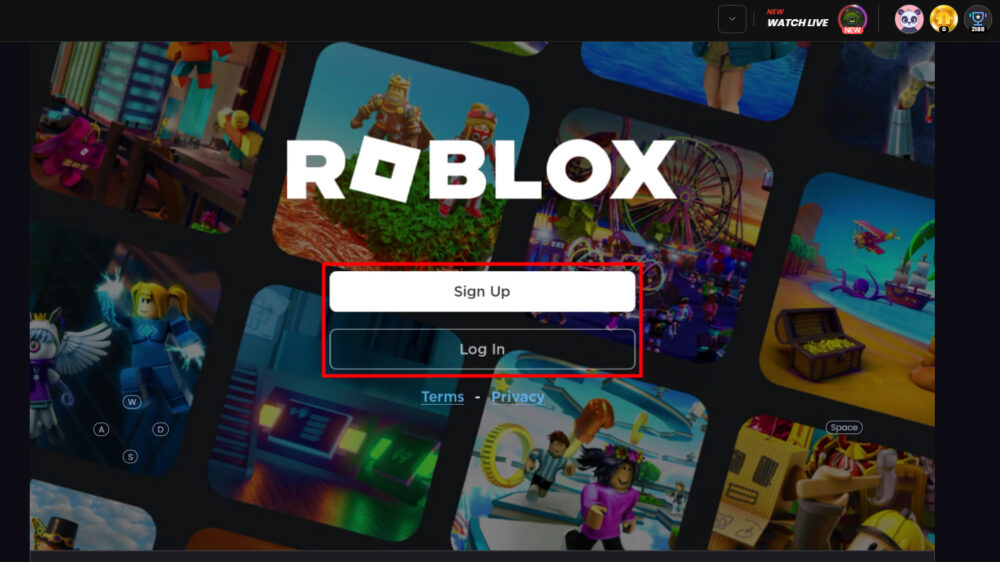

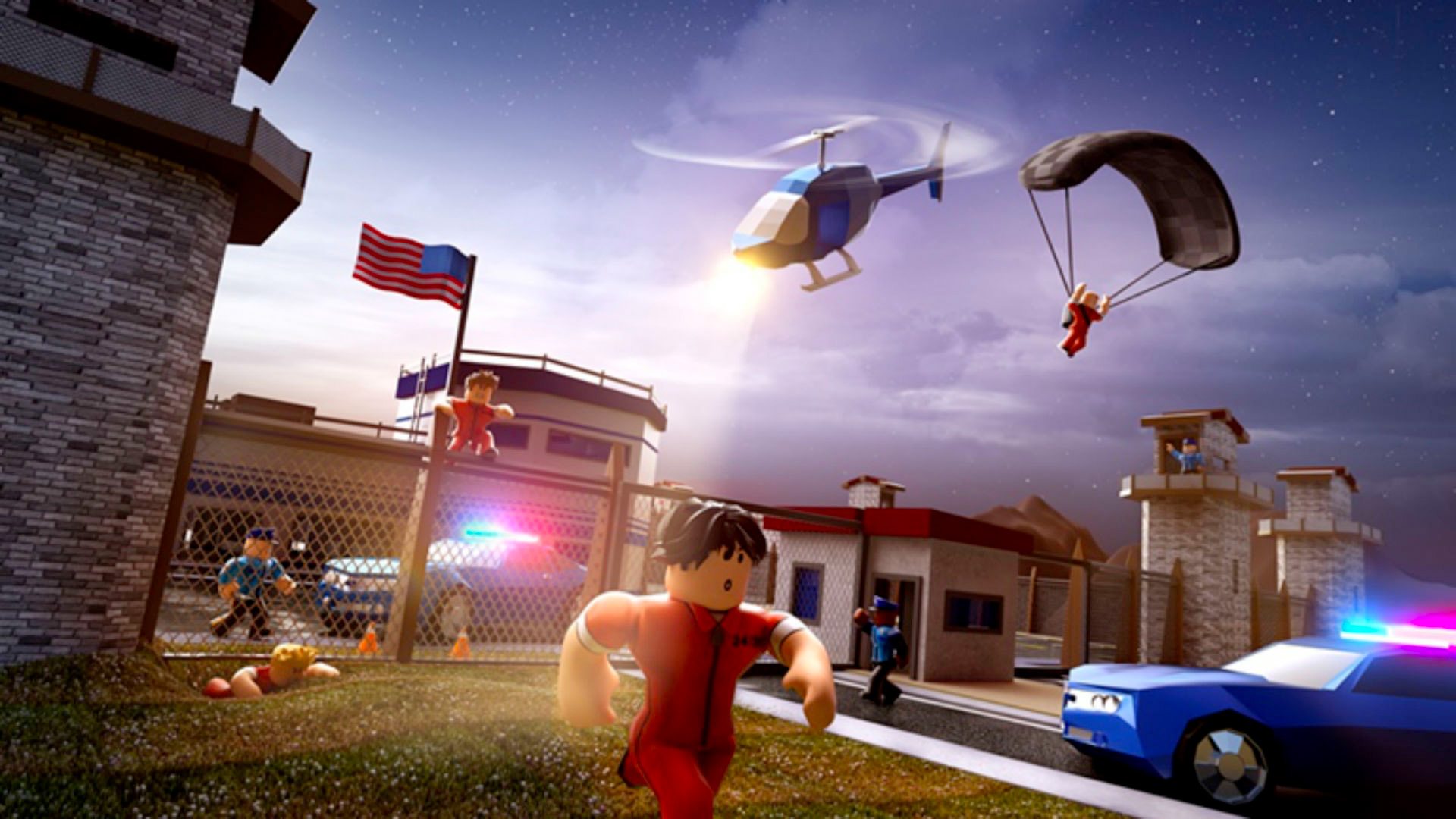
Now Ggroblox 2026 How To Play Roblox Without Downloading Now Gg Roblox Login 2023 . Definitive Guide To Roblox 2026 TM 07169 Definitive Guide To Roblox 2026 . Want To Play Roblox On TV In 2026 How To Connect How To Play Roblox On Now 3 1000w 562h . Roblox 2026 Complete Guide To Earning Robux Using Promo Codes And Roblox Appstore . The Best Roblox Games In 2026 Roblox Games Jailbreak 1



Seeking Roblox Via Google Drive Is It Safe And Smart In 2026 1200x630wa . 21 Super Fun Roblox Games You Need To Play In 2026 Roblox Desk 21 Super Fun Roblox Games You Need To Play In 2026.webp. How Can You Play Roblox In 2026 And Beyond Roblox Xbox Can You Play Roblox On Xbox 1480 800 1.webp. How To Message On Roblox 2026 A Quick Guide . New Working Roblox Condo Game 2026 YouTube



Exploring Roblox Games For 2026 What Makes Them Popular Best Roblox Games Natural Distaster Survival . Best Roblox Games 2026 Top 50 Games To Play Right Now Best Roblox Games 2026 Hero.webp. Exploring Roblox Games For 2026 What Makes Them Popular Best Roblox Games 2023 Feature Image . 10 Roblox 2026 Gaming Net RobloxTTD Overview EN 2 . How To Install Roblox On A Computer Easily 2026 Guide Select Roblox And Click




Roblox 2026 New Logo REVEAL First Look At The Future Shorts YouTube Hq2 . 10 Best Roblox Games To Enjoy In 2026 Best Roblox Game For 2026 968x544 . Russian Kids Can Play Roblox Again They Just Can T Talk To Anyone In Russian Kids Can Play Roblox Again They Just Can T Talk To Anyone In The Game. Roblox Brings 10 Student Games To Life For Play To Learn Competition Cc467092 7ce3 0cba 383f. Roblox And Games For Change Challenge Promotes Positive Connection 5fc8a46f 5e84 4bab B602




Roblox In 2026 Play On Roblox NoFilter. Prepare For 2026 With Roblox Trends TikTok Img. 15 Best Roblox Horror Games Of 2026 15 Game Roblox Horror Terbaik 2026 Paling Seram And Bikin Deg Degan 7f944699ce . Gaming Guide How To Play Roblox On Chromebook 2026 How To Download And Play Roblox On A Chromebook . How To Publish A Roblox Game 2026 Complete Roblox Studio Tutorial