Navigating the complex world of prebuilt workstation PCs can feel overwhelming for busy gamers and professionals alike This comprehensive guide cuts through the noise offering actionable insights and expert advice to help you select the perfect prebuilt workstation PC that balances performance budget and real-world needs Discover how to identify essential components understand system configurations for various tasks from heavy gaming to professional content creation and avoid common pitfalls We delve into optimization tips upgrade paths and value considerations ensuring you make an informed decision without the endless research Whether you are seeking a powerhouse for 4K gaming and streaming or a robust machine for video editing and CAD this resource provides the clarity you need to confidently invest in a prebuilt workstation PC that supports both your passion for gaming and your professional demands making your digital life smoother and more enjoyable Get ready to elevate your setup with confidence
What is a prebuilt workstation PC for gamers?
A prebuilt workstation PC is a high-performance computer designed for demanding professional tasks like video editing or 3D rendering, but it is also exceptionally capable of running the latest video games. It offers a single, powerful system that caters to both your work and play, featuring robust components and reliable cooling for sustained performance.
Why should I choose a prebuilt workstation PC instead of building my own?
Choosing a prebuilt workstation PC saves you significant time and effort in component selection, assembly, and troubleshooting. It comes with a comprehensive warranty and professional support, offering peace of mind. For busy adults balancing work and gaming, it provides immediate plug-and-play functionality, letting you jump straight into action.
Are prebuilt workstation PCs good for balancing work and gaming life?
Absolutely. A prebuilt workstation PC excels at multitasking, allowing seamless transitions between demanding professional applications and intensive gaming sessions. This versatility helps gamers balance their responsibilities without needing multiple machines, optimizing precious time for relaxation, skill-building, and social play. It truly is a two-in-one solution.
What are the best components to look for in a prebuilt workstation PC?
Prioritize a high core-count CPU (like Intel Core i7/i9 or AMD Ryzen 7/9), a powerful GPU (NVIDIA RTX 40-series or AMD Radeon RX 7000-series with ample VRAM), at least 32GB of fast DDR5 RAM, and a speedy NVMe SSD for the OS and games. Also, ensure it has robust cooling and a reliable power supply for sustained performance.
How much RAM do I really need in a prebuilt workstation PC for gaming and work?
For a comfortable balance of gaming and professional tasks like video editing or running virtual machines, 32GB of DDR5 RAM is often the sweet spot. If your professional work involves very large datasets, extreme 3D modeling, or multiple virtual machines, stepping up to 64GB will provide even more headroom and ensure smoother operation.
Can I upgrade parts in a prebuilt workstation PC later on?
Yes, most reputable prebuilt workstation PCs are designed with upgradeability in mind. Common upgrades include adding more RAM, expanding storage with additional SSDs, or even upgrading the graphics card. Always check the specific model's specifications and case clearance, but quality prebuilts often use standard components for future-proofing.
Where can I find reliable reviews for prebuilt workstation PCs?
Look for reviews from established tech publications, dedicated PC hardware websites, and reputable YouTube channels that conduct thorough benchmarking for both gaming and workstation tasks. User reviews on retailer sites can also provide valuable insights into real-world experiences, customer service, and common issues to watch out for.
Hey fellow gamers and busy professionals! Ever feel like you are juggling a thousand things – work deadlines, family time, and that burning desire to dive into the latest AAA title or stream your favorite cozy game? You are not alone. In 2026, life moves fast, and for many of us, gaming is that perfect escape, a way to relax, connect with friends on Discord, or even build new skills. But finding a PC that handles both your demanding work tasks AND your gaming sessions without breaking a sweat (or the bank) can be a real headache. You want that smooth 144Hz experience, but you also need to render a video without your machine freezing. That is where a prebuilt workstation PC comes in, offering a compelling solution for the average gamer, around 36 years old, who values both performance and practicality. With 87% of US gamers regularly dedicating 10+ hours a week to their passion, often balancing it with jobs and family, efficiency and reliability are key. This guide is designed to cut through the tech jargon, addressing common pain points like performance issues and hardware upgrade dilemmas. We will help you understand if a prebuilt workstation PC is your ultimate two-in-one solution for both serious productivity and serious fun.
What is a Prebuilt Workstation PC and Who Is It For?
A prebuilt workstation PC is essentially a high-performance computer designed to handle intensive professional applications like 3D rendering, video editing, CAD, data analysis, and scientific simulations, while also being perfectly capable of running demanding video games. Unlike standard gaming PCs which often prioritize raw gaming FPS above all else, workstations emphasize stability, reliability, and sustained performance under heavy, prolonged loads. They typically feature more robust components, professional-grade GPUs (though many consumer GPUs are now powerful enough for both), ECC memory, and superior cooling systems. This makes them ideal for the discerning gamer who also has a demanding job requiring significant computing power. If you are someone who games regularly, perhaps streams, creates content on the side, or needs a reliable machine for professional tasks during the day and gaming at night, a prebuilt workstation PC offers a compelling, integrated solution.
Why Should a Gamer Consider a Prebuilt Workstation PC Over a Standard Gaming Rig?
For many gamers, particularly those balancing life and work, a prebuilt workstation PC offers significant advantages. Firstly, it provides unparalleled versatility. You get a single machine that excels at both your professional applications and your favorite games, eliminating the need for separate systems. Secondly, workstations often feature higher quality, more durable components, leading to greater longevity and reliability. This means fewer unexpected issues and more time enjoying your games or getting work done. Thirdly, while the initial cost might seem higher, the long-term value can be superior, as you are investing in a machine built for sustained, heavy use. You are paying for stability, often better thermal management, and professional support. In an era where cross-play and social gaming are booming, a powerful, reliable machine ensures you are always ready to jump into a session with friends without worrying about performance bottlenecks.
What Key Components Define a High-Performance Prebuilt Workstation PC?
Several critical components differentiate a prebuilt workstation PC and contribute to its superior performance and reliability:
- Processor (CPU): Look for high core-count CPUs like Intel Core i7/i9 (K/KS series) or AMD Ryzen 7/9 (X/X3D series) for gaming, or Intel Xeon/AMD Threadripper for extreme professional workloads. These provide the computational muscle for multi-threaded applications and modern games.
- Graphics Card (GPU): While professional GPUs (NVIDIA Quadro, AMD Radeon Pro) exist, many high-end consumer GPUs (NVIDIA RTX 40-series, AMD Radeon RX 7000-series) offer excellent performance for both gaming and many workstation tasks like video editing and 3D modeling. Prioritize a card with ample VRAM.
- Memory (RAM): Workstations benefit from generous amounts of RAM, typically 32GB or 64GB DDR5, especially for large datasets, virtual machines, or high-resolution content creation. ECC (Error-Correcting Code) RAM is found in some true workstations for mission-critical stability.
- Storage: A combination of a fast NVMe SSD (1TB or more) for the operating system and critical applications, coupled with a larger secondary SATA SSD or HDD for bulk storage, is ideal. Fast storage ensures quick boot times and rapid file access.
- Cooling System: Effective cooling (liquid cooling or robust air coolers) is paramount to maintain performance under sustained loads, preventing thermal throttling during intense gaming sessions or lengthy renders.
- Power Supply Unit (PSU): A high-wattage, efficient (80 Plus Gold or Platinum rated) PSU ensures stable power delivery to all components, crucial for system longevity and reliability.
How Do Prebuilt Workstation PCs Handle Gaming Performance in 2026?
Modern prebuilt workstation PCs, especially those equipped with high-end consumer GPUs, are absolute beasts for gaming. With the latest processors and graphics cards, you can expect to run virtually any game at high refresh rates and resolutions, including 4K. Many professional applications leverage the same underlying hardware capabilities as games, such as GPU acceleration, meaning a system optimized for workstation tasks will inherently perform well in games. For example, a workstation with an NVIDIA RTX 4080 or AMD Radeon RX 7900 XTX will deliver exceptional frame rates in titles like Cyberpunk 2077 or Alan Wake 2, even with ray tracing enabled. The robust cooling and stable power delivery often found in workstations also ensure consistent performance during extended gaming sessions, preventing the dips in frame rate that can plague less optimized systems. This month, with social gaming and cross-play dominating, a powerful machine keeps you competitive and connected.
Are Prebuilt Workstation PCs a Good Value for Budget-Conscious Gamers?
This is where it gets interesting for budget-conscious gamers. While the initial sticker price for a prebuilt workstation PC might be higher than a barebones gaming PC, consider the long-term value and versatility. You are essentially getting two machines in one: a top-tier gaming rig and a powerful professional workstation. This avoids the cost and clutter of owning two separate systems. Furthermore, manufacturers often secure better pricing on components through bulk purchases, which can translate to better value than building a comparable system piece by piece. When you factor in the warranty, professional assembly, and extensive testing that comes with a prebuilt system, the time saved on setup and troubleshooting can be invaluable for busy adults. It is an investment in reliability and peace of mind, allowing you to maximize your limited gaming time without hardware headaches.
What are the Potential Upgrade Paths for a Prebuilt Workstation PC?
One of the great aspects of many quality prebuilt workstation PCs is their upgrade potential, designed for longevity. Unlike some compact gaming rigs, workstations often feature standard form factor components and spacious cases, making future upgrades relatively straightforward. You can typically:
- Upgrade RAM: Easily add more RAM or swap out modules if you need more memory for future tasks or games.
- Expand Storage: Add additional NVMe SSDs or SATA drives as your storage needs grow. Many workstations include multiple M.2 slots and drive bays.
- Replace GPU: While a major investment, upgrading the graphics card is usually possible, provided the PSU has sufficient headroom and the case allows for physical fit.
- Swap CPU: This is generally more complex but often possible within the same motherboard chipset generation, offering a boost without replacing the entire system.
Always check the motherboard specifications and PSU wattage before planning major upgrades. A prebuilt workstation PC can be a fantastic foundation that evolves with your gaming and professional needs for years to come.
How Do I Choose the Right Prebuilt Workstation PC for My Specific Needs?
Selecting the ideal prebuilt workstation PC requires a clear understanding of your primary use cases. Start by outlining your priorities:
- Identify Core Tasks: Are you mainly gaming, video editing, 3D rendering, CAD, or a mix? Prioritize components based on these demands. Heavy gaming and 3D rendering benefit most from a powerful GPU, while video editing and complex simulations lean on high core-count CPUs and ample RAM.
- Set Your Budget: This will dictate the tier of components you can consider. Remember, a workstation is an investment; aim for the best you can reasonably afford for future-proofing.
- Research Manufacturers and Models: Look for reputable brands known for quality prebuilt systems and excellent customer support. Read reviews specific to the models you are considering.
- Check Specifications Carefully: Do not just look at the CPU and GPU. Examine RAM speed, storage type and capacity, PSU wattage and efficiency, and cooling solutions.
- Consider Expandability: Think about your future needs. Does the system have extra RAM slots, M.2 slots, or drive bays? Is the PSU sufficient for a potential GPU upgrade down the line?
- Read Reviews and Benchmarks: Look for reviews that specifically test the system in both gaming and workstation benchmarks relevant to your tasks.
Making a list of your non-negotiables versus your nice-to-haves will greatly simplify the decision process.
What are Common Pitfalls to Avoid When Buying a Prebuilt Workstation PC?
Even with thorough research, some common traps can catch buyers off guard:
- Bottlenecked Components: A powerful GPU paired with an underpowered CPU (or vice-versa) can lead to suboptimal performance. Ensure components are balanced.
- Insufficient Cooling: High-performance components generate heat. A cheap or inadequate cooling system will lead to thermal throttling and reduced longevity.
- Proprietary Parts: Some manufacturers use proprietary motherboards, PSUs, or cases, which can severely limit future upgrade options. Stick to systems with standard components where possible.
- Weak Power Supply: An undersized or low-quality PSU can cause instability, especially during peak loads. Always check the wattage and 80 Plus rating.
- Bloatware: Some prebuilt systems come pre-loaded with unnecessary software that can hog resources. Be prepared to do a clean install of Windows or uninstall bloatware.
- Ignoring Warranty and Support: A good warranty and responsive customer support are invaluable, especially for such a significant investment.
By being aware of these potential issues, you can make a more informed and safer purchase.
Can a Prebuilt Workstation PC Help Me Balance Gaming with Life and Work?
Absolutely. For the average gamer juggling work, family, and personal time, a prebuilt workstation PC is a game-changer. Imagine: you finish your work tasks – rendering that design project or compiling that code – and seamlessly transition to unwinding with friends in a co-op game, all on the same powerful, reliable machine. No switching computers, no waiting for files to transfer, no performance anxieties. This integration minimizes setup issues and maximizes your precious free time. It enables you to pursue both your professional goals and your passion for gaming without compromise. The stability and performance mean less troubleshooting and more actual doing, whether that is advancing your career or leveling up your character. It’s about smart efficiency, allowing you to relax, have fun, and build skills without the stress of managing multiple less capable systems. This month’s trends show more gamers seeking these integrated solutions.
So there you have it – the definitive guide to prebuilt workstation PCs for the modern gamer. These machines are far more than just workhorses; they are versatile powerhouses capable of delivering exceptional gaming experiences alongside robust professional performance. For those of us balancing busy lives, a prebuilt workstation PC represents a smart investment, offering reliability, power, and incredible value. It is about making the most of your time, whether you are conquering virtual worlds or real-world projects. By focusing on balanced components, smart cooling, and future-proofing, you can choose a system that will serve you well for years. Ready to upgrade your digital life?
What is your biggest gaming or workstation challenge right now? Comment below!
Is a prebuilt workstation PC overkill for just gaming?
Not necessarily. While a dedicated gaming PC might offer slightly better value solely for gaming, a prebuilt workstation PC provides superior reliability, components built for sustained loads, and professional support, which can be invaluable for many gamers who also value stability and longevity. If you ever anticipate needing it for productivity, it is a smart choice.
Can I use a prebuilt workstation PC for streaming and content creation?
Absolutely. Prebuilt workstation PCs are perfectly suited for streaming, video editing, and content creation. They typically feature powerful CPUs with many cores, ample RAM, and strong GPUs, all of which are essential for smooth streaming, fast rendering, and efficient creative workflows. Many content creators prefer them for their robustness.
Do prebuilt workstation PCs come with good warranties?
Generally, yes. Reputable manufacturers offering prebuilt workstation PCs often provide comprehensive warranties (1-3 years or more) covering parts and labor, along with dedicated technical support. This is a significant advantage over building your own PC, where you deal with individual component warranties. Always check the warranty terms before purchase.
Are prebuilt workstation PCs louder than gaming PCs?
Not always. While workstations are designed for heavy loads, many feature advanced cooling solutions (often larger heatsinks and quieter fans) to manage heat effectively without excessive noise. Some dedicated gaming PCs, especially smaller form factors, can be quite loud under load. Quality workstations prioritize efficient and relatively quiet operation.
What is the difference between a prebuilt workstation PC and a server?
A prebuilt workstation PC is designed for a single user for high-performance tasks, emphasizing interactive computing, advanced graphics, and responsive applications. A server, on the other hand, is built to serve multiple users or applications, prioritizing network connectivity, data storage, and uptime. Servers often use headless operation and specialized server-grade hardware for extreme reliability and redundancy.
Should I buy a prebuilt workstation PC or build my own?
For most busy gamers and professionals, a prebuilt workstation PC offers convenience, warranty support, and professional assembly, saving significant time and potential troubleshooting headaches. Building your own can be cheaper if you have the expertise and time, but it voids the single-point warranty and requires self-assembly and testing. Prebuilt is often preferred for peace of mind.
Choosing a prebuilt workstation PC involves balancing gaming and professional needs, understanding core components like CPU, GPU, RAM, and storage, evaluating upgrade potential and cooling solutions, ensuring value for money, and considering professional applications alongside gaming performance for a truly versatile machine.
35


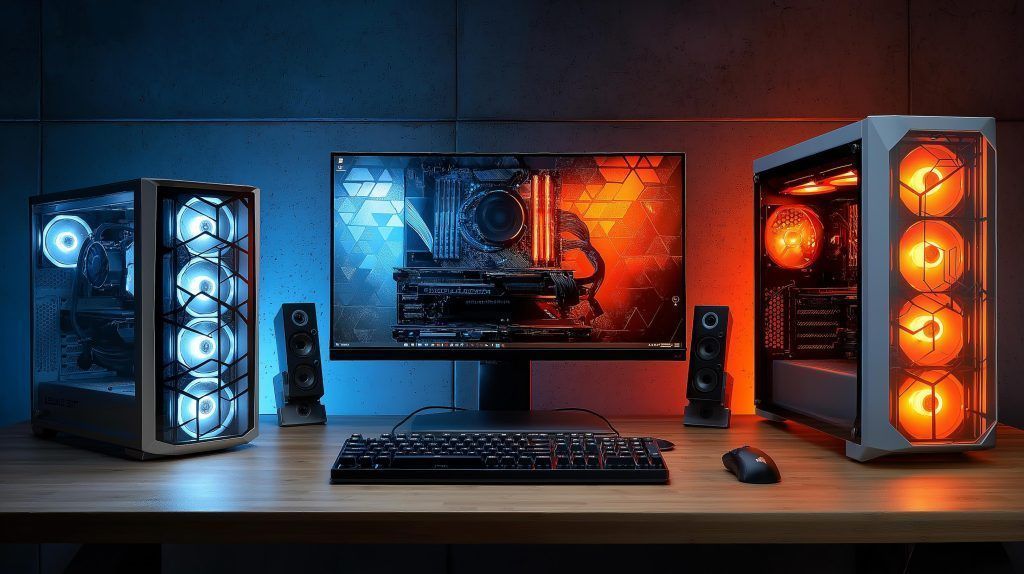
Best Gaming PC For Starters 2026 Budget B Gaming PC Guru AC SL1500 . Best Prebuilt Gaming PC 2026 Ready Made Rigs Ranked Switchblade Gaming Best Prebuilt Gaming Pc 2026.webp. Top 10 Best Desktop Computers 2026 For Home Office And Work Lenovo Legion Tower 5i 2026 Budget Desktop Computer For Home Office Among Best Desktop. Gaming PC Buying Guide 2026 Prebuilt Vs Custom Build AC SL1500 . 2025 2026 Tablet E Reader Showdown IPads Galaxy Tabs Kindles Desktop Pc 1024x574
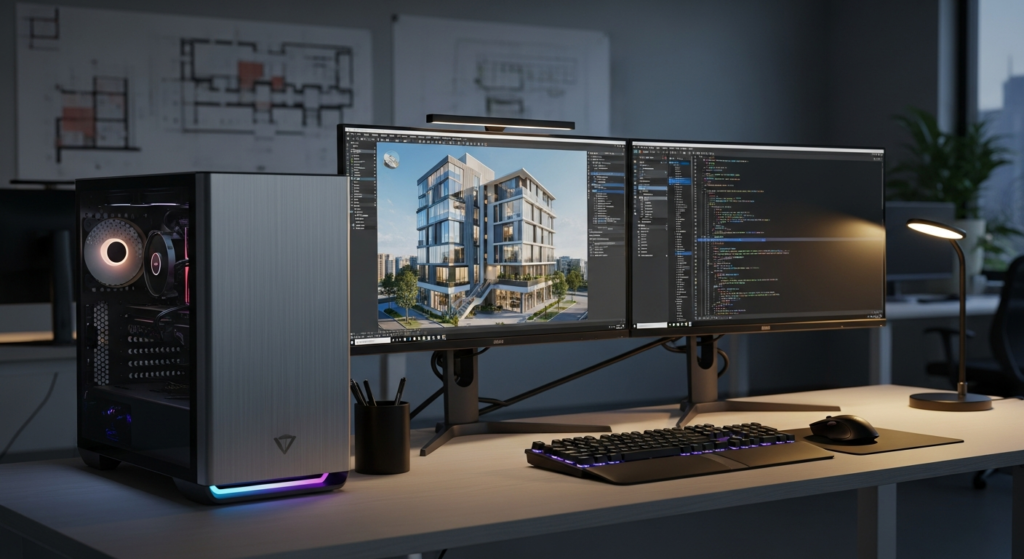
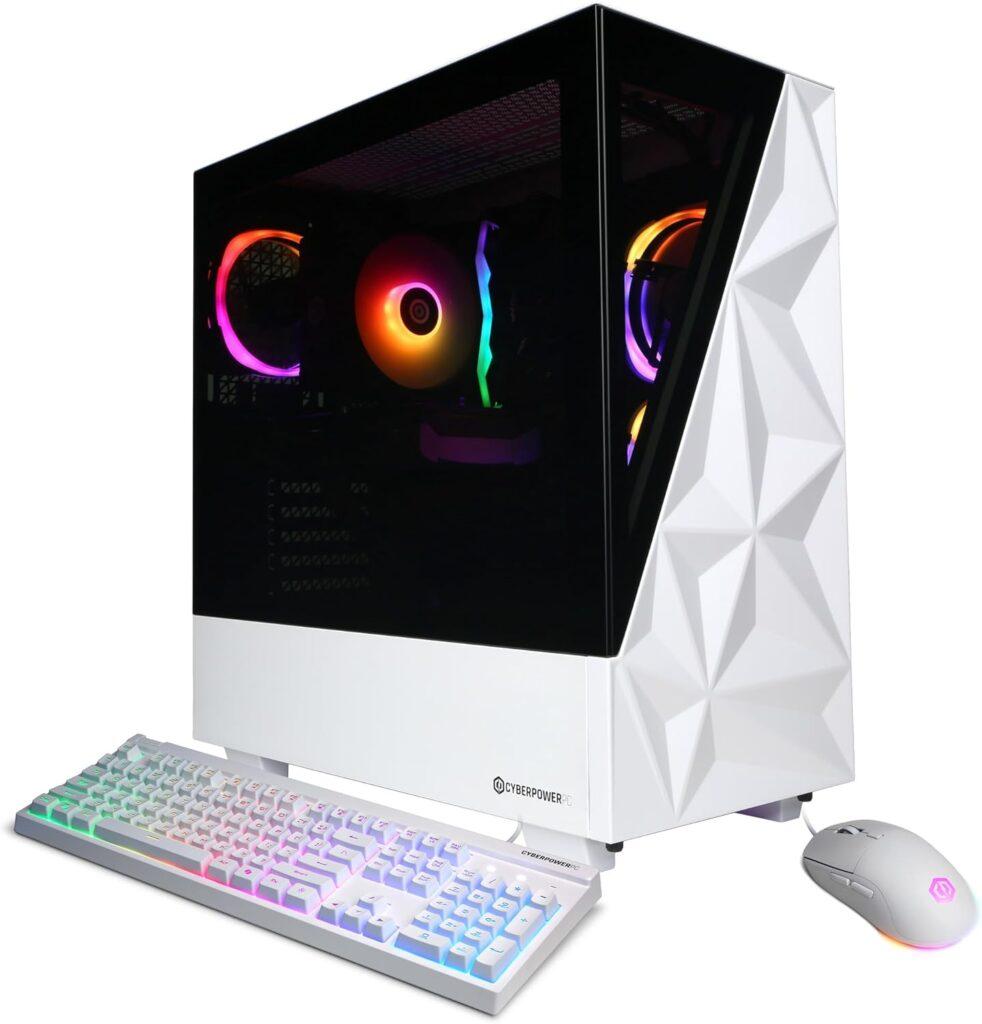
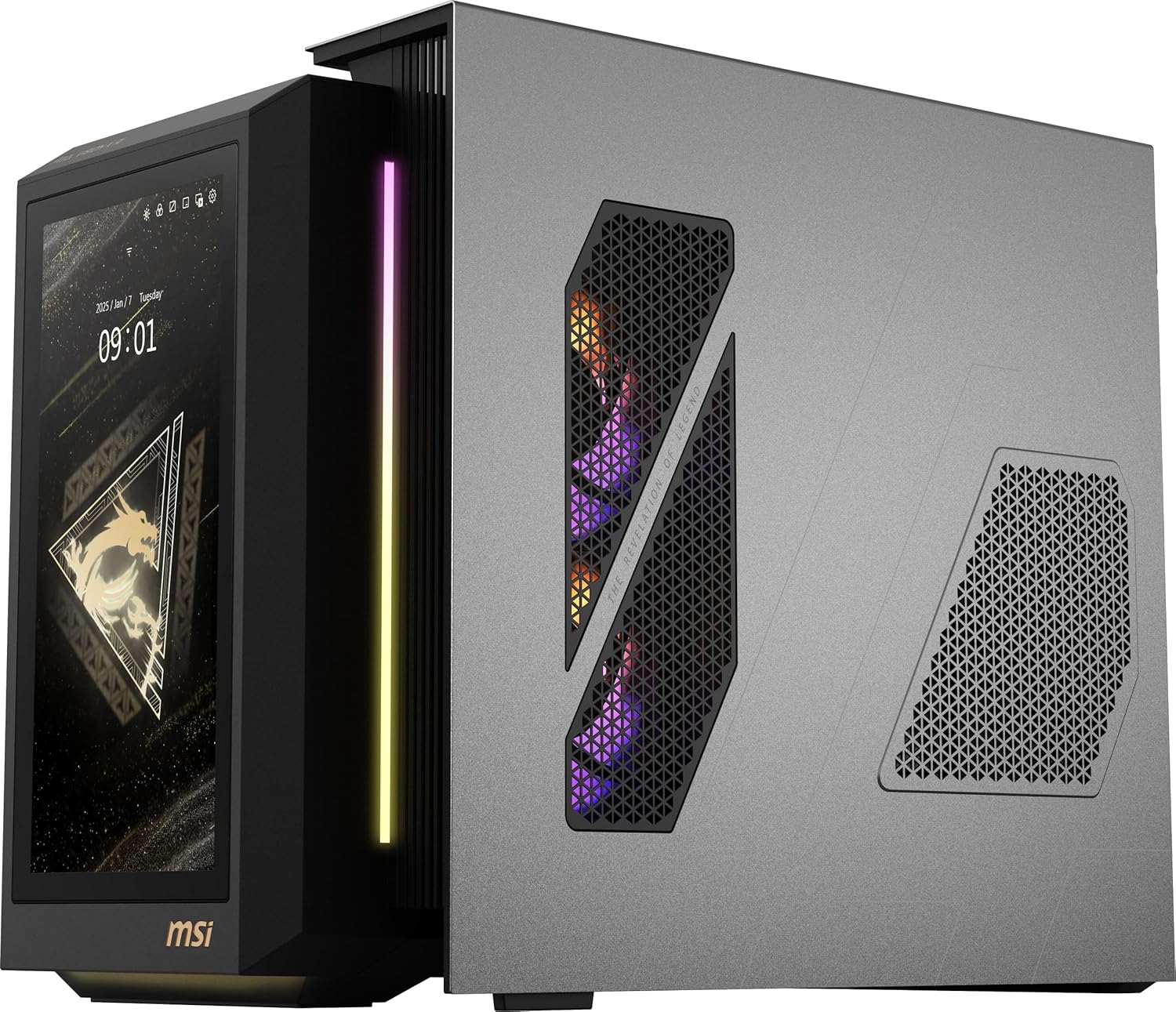

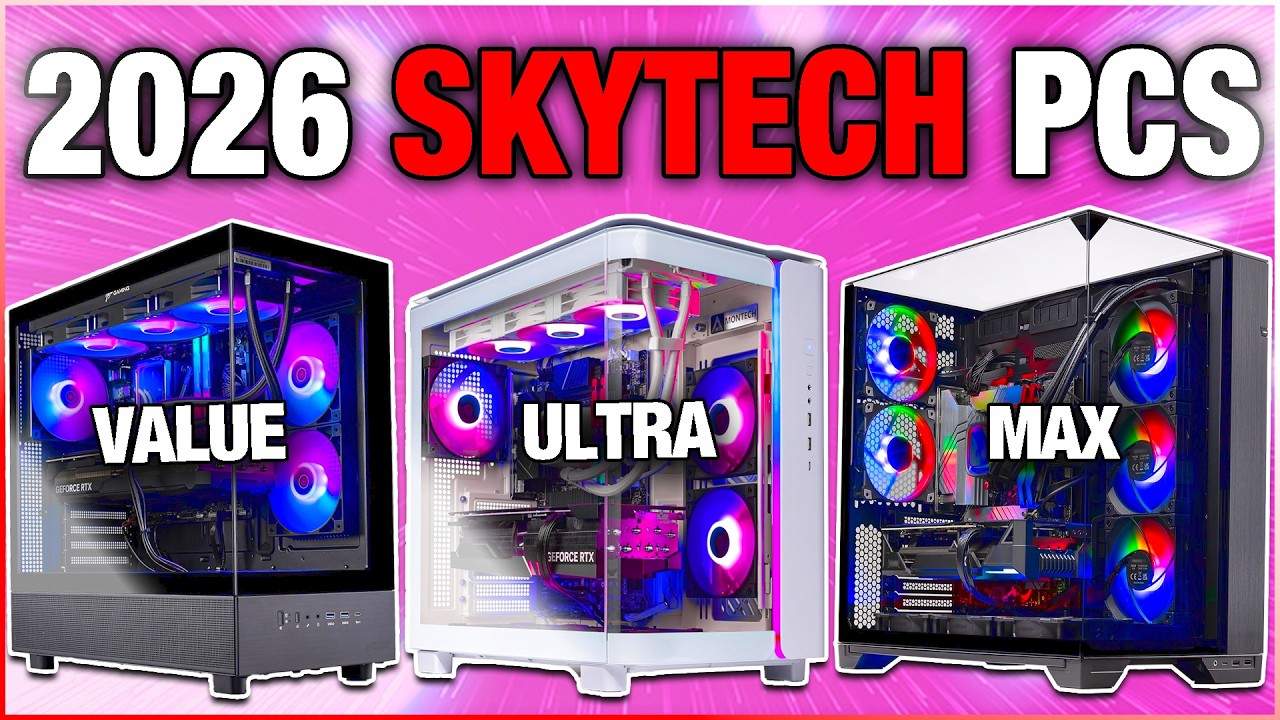
Prebuilt PCs Canada Infinity Computers Workstation Pc Setup 1024x559 . 12 Best Prebuilt Gaming PC In 2026 Tested Reviewed Gamer Xtreme VR Gaming PC 982x1024 . Best RTX 5090 Prebuilt Gaming 2026 Our Top Picks For High End Gaming MSI MEG Vision X AI Gaming PC . 12 Best Prebuilt Gaming PCs February 2026 Complete Guide 510U5dlOwuL . Best Skytech Prebuilt Gaming PC In 2026 For Every Budget YouTube

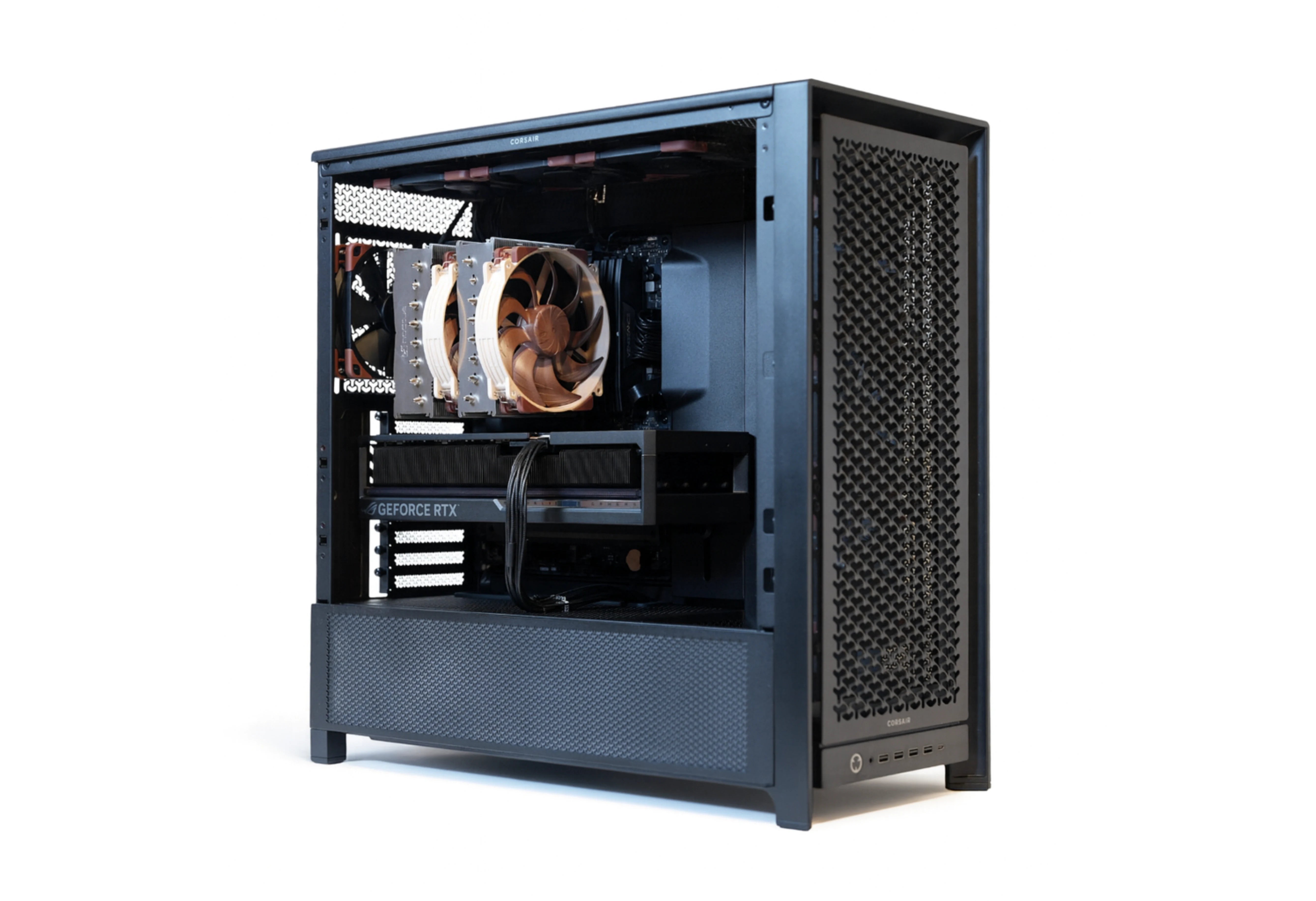


Summer 2026 PC Best Buy Guide Prebuilt Power For Streamers SoftBit System Edit Compressed . WRBuilds Inc High End Custom Prebuilt PCs MTL Canada The. 12 Best Gaming PC Under 1000 In 2026 Tested Reviewed Slide4 1024x576 . Why Desktop PC Prices Are Rising In 2026 And How To Still Get A Good Deal New Year Desktop PC Deals 2026 Main . Amazon Com SAAV X2 Prebuilt Gaming PC Desktop Intel Core I5 3 4GHz AC


Gaming PC Buying Guide 2026 Prebuilt Vs Custom Build 81b7V XbqSL. AC SL1500 . Top 10 Best Desktop Computers 2026 For Home Office And Work Dell Tower Plus 2026 Desktop Computer With Sleek Design And Powerful Components For Best. Skytech Gaming PC Review 2026 Best Prebuilt Desktop Logo Text Skytech Gaming Pc Review Related Grap.webp. The Best Gaming PC Of 2026 Top Prebuilt Desktops Gaming Pc . Top 10 Best Desktop Computers 2026 For Home Office And Work HP OmniStudio X Pro 2026 All In One Desktop Computer With Large Display Ranked Among Best
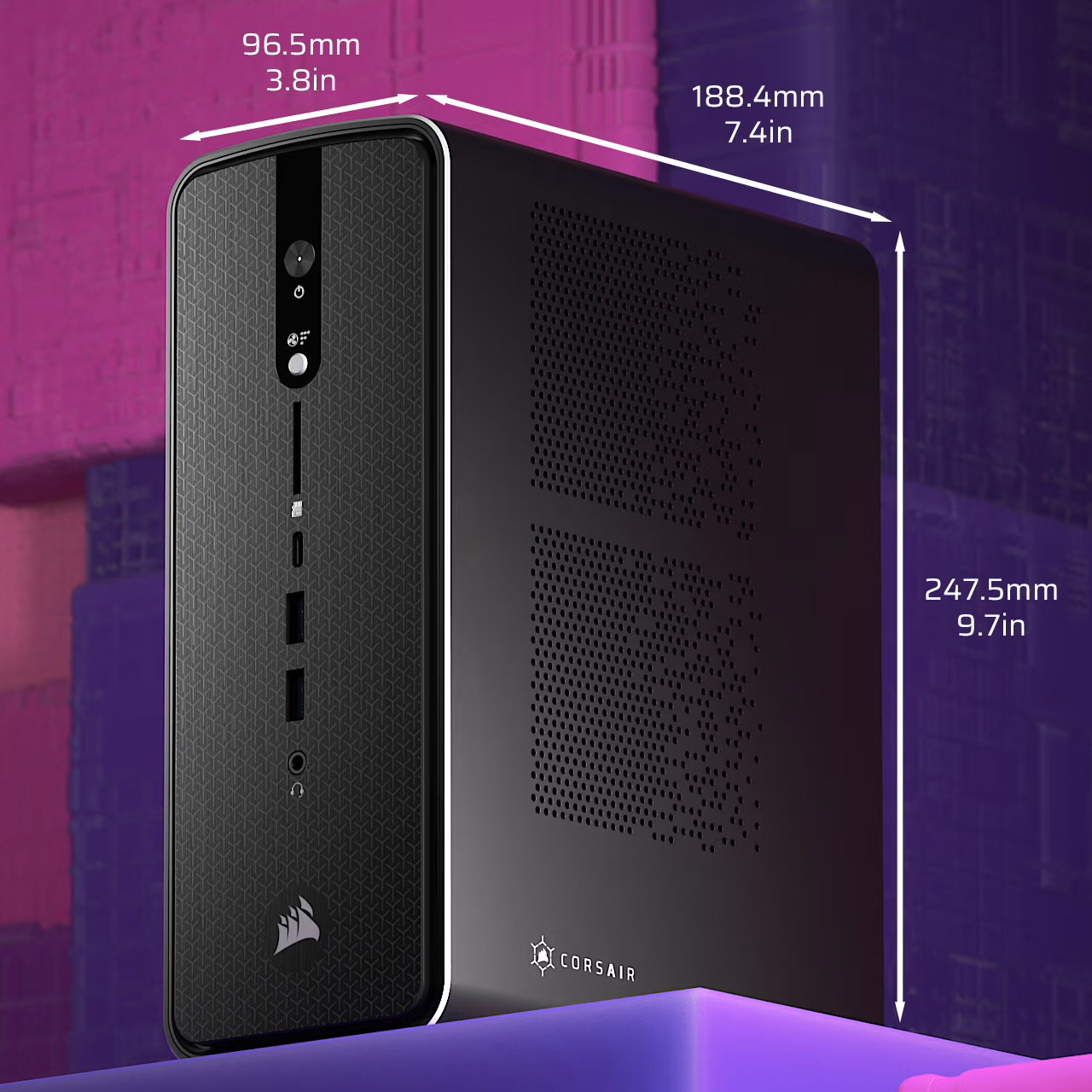

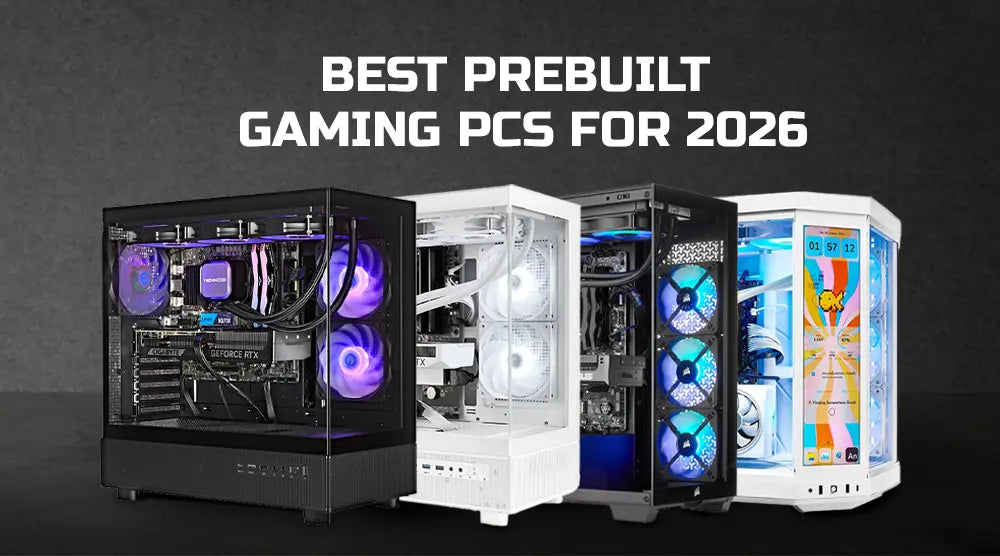
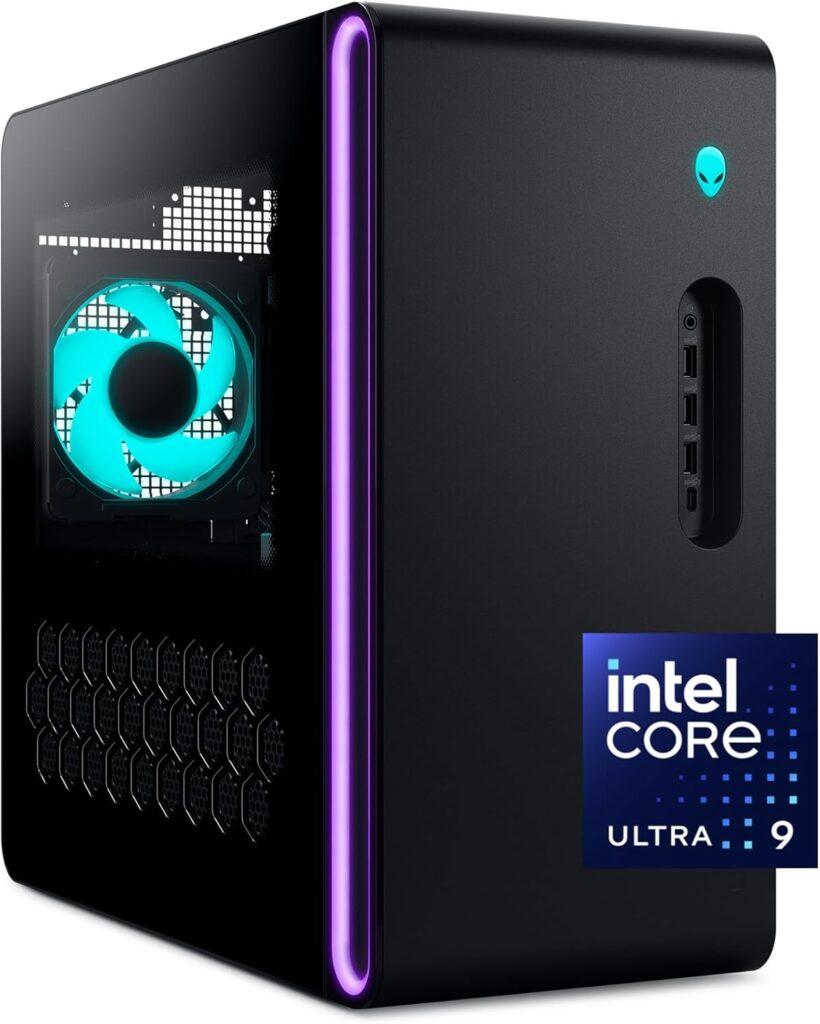
11 Best Prebuilt Workstation PCs For 2026 That Boost Your Top Prebuilt 2026 E8h0k . Ryzen AI Max 395 Powered Corsair AI Workstation 300 Is Designed To Be Corsair Ai Workstation 300 Pre Built Pc 1 . Should Buy A Prebuilt PC In 2026 MSI PRO DP80 AI A2G Review YouTube . Best Prebuilt Gaming PCs For 2026 Technoid S Top Picks Best Prebuilt Gaming PCs For 2026 Technoid S Top Picks.webp. 12 Best Prebuilt Gaming PC In 2026 Tested Reviewed Alienware Aurora Gaming Desktop ACT1250 820x1024

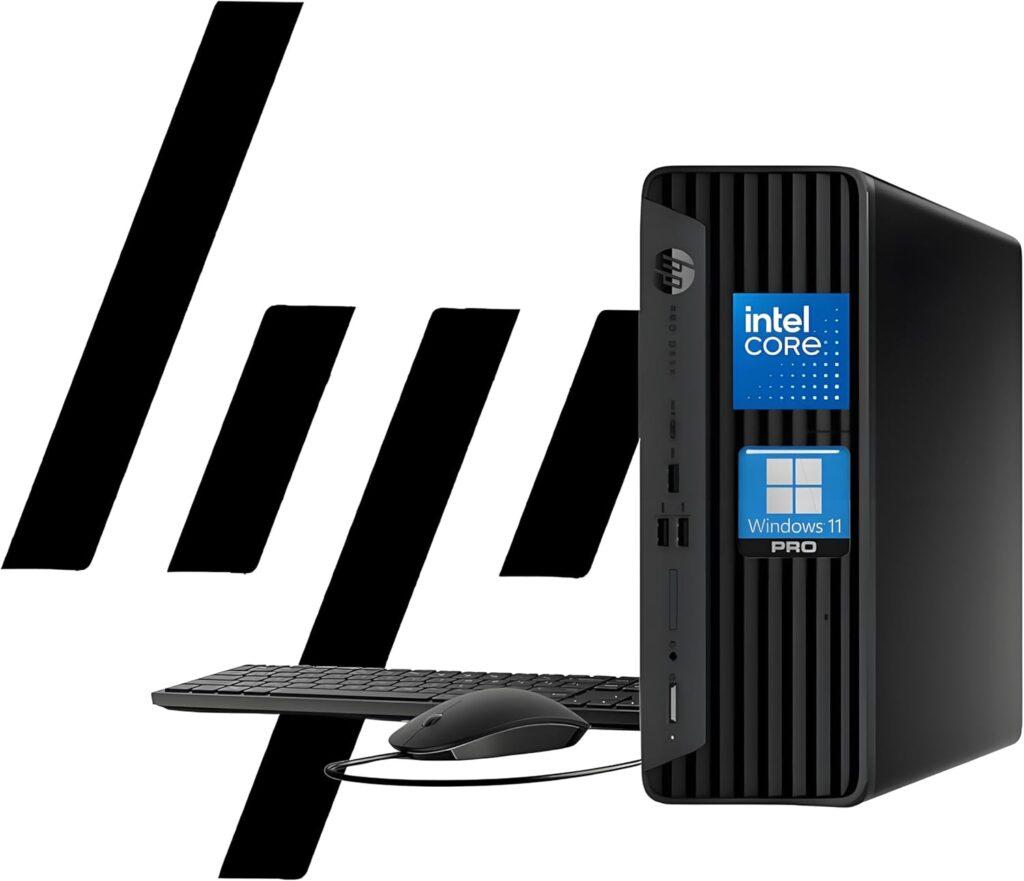

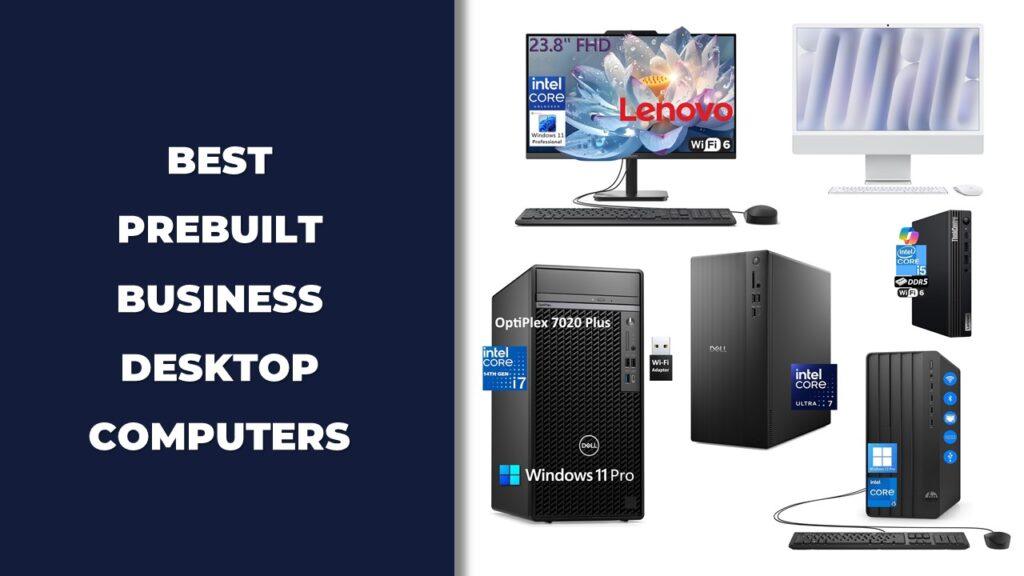
12 Best Gaming PC Under 1000 In 2026 Tested Reviewed Slide6 . 12 Best Prebuilt Business Desktop Computers In 2026 Tested Reviewed HP ProDesk 400 G9 SFF Business Desktop Computer 3 1024x881 . AI Creator Desktop PCs 2026 Computing . Best RTX 5090 Prebuilt Gaming 2026 Our Top Picks For High End Gaming Best Rtx 5070 Prebuilt Gaming Pc . 12 Best Prebuilt Gaming PCs February 2026 Complete Guide 412K8HdJ17L



Best Prebuilt Gaming PC Under 800 May 2026 Tested Picks Gaming PC Guru AC SL1500 . AI Creator Desktop PCs 2026 Computing 83 151 621 05 . Lenovo S Unique Take On Desktop PCs At CES 2026 Hardware Software Copertina 26208 . RTX 5080 And Ultra 9 285K Gaming PC Deal Drops Skytech Prebuilt To Its. Best Desktop Computers For Home Use In 2026 Technobezz Technobezz 2026 03 11 T142543 296 09ffd22ab9