Are you a dedicated gamer balancing work and family, dreaming of conquering the prehistoric world of Ark Survival Ascended without breaking the bank on new hardware? This comprehensive guide dives into how GeForce Now Ark Ascended can be your ultimate solution. Discover how NVIDIA's cloud gaming service lets you experience high-fidelity graphics and smooth gameplay on almost any device, turning your older PC or even a tablet into a powerful gaming rig. We'll explore membership tiers, optimization tips, and troubleshooting common issues, ensuring you spend less time frustrated and more time taming dinosaurs. Learn why busy US gamers, averaging over 10 hours a week playing, are turning to cloud solutions like GeForce Now to stay current with demanding titles like Ark Ascended without compromise. Get ready to elevate your Ark Ascended experience today.
What is GeForce Now and how does it specifically benefit Ark Survival Ascended players?
GeForce Now is a cloud gaming service that streams PC games directly to your device, regardless of your local hardware's power. For Ark Survival Ascended, it means you can play the visually demanding game with high settings and smooth performance, even on an older laptop or a mobile device, without needing an expensive gaming PC or facing long download times. It bypasses hardware limitations entirely.
How much does a GeForce Now subscription cost, and what tier is recommended for the best Ark Ascended experience?
GeForce Now offers Free, Priority, and Ultimate tiers. While the Free tier allows you to test the service, for the best Ark Survival Ascended experience, the Ultimate tier is highly recommended. It provides exclusive access to RTX 4080-equivalent cloud GPUs, enabling 4K resolution at 120 FPS with full ray tracing, making Ark Ascended look stunning and run incredibly smoothly for a premium monthly fee.
Can I play Ark Survival Ascended on GeForce Now with my existing Steam or Epic Games Store library?
Yes, absolutely. GeForce Now connects to your existing PC game libraries on supported platforms like Steam and Epic Games Store. As long as you own Ark Survival Ascended on one of these platforms, you can launch and play it through GeForce Now without needing to repurchase the game.
What kind of internet connection do I need for a smooth Ark Ascended experience on GeForce Now?
For a smooth Ark Survival Ascended experience, a stable, high-speed internet connection is crucial. NVIDIA recommends at least 25 Mbps for 1080p at 60 FPS, and 50 Mbps or more for 4K at 120 FPS. A wired Ethernet connection is always preferred over Wi-Fi to minimize latency and ensure consistent performance.
Are there any common issues when playing Ark Ascended on GeForce Now, and how can I troubleshoot them?
Common issues include lag, stuttering, or input delay, often due to internet connectivity. To troubleshoot, ensure you have a fast, stable internet connection (preferably wired), select the closest GeForce Now server, and optimize streaming quality settings within the GeForce Now app. If the game crashes, verify your game ownership and try relaunching.
How does GeForce Now handle game updates and patches for Ark Survival Ascended?
GeForce Now automatically handles game updates and patches for Ark Survival Ascended on its servers. This means you never have to wait for a download or installation on your local device. When you launch the game, it will already be running the latest version, ensuring you're always up-to-date.
Can I use my favorite mods or custom servers for Ark Survival Ascended when playing on GeForce Now?
GeForce Now supports playing Ark Survival Ascended on any official or unofficial PC servers, allowing you to join communities that use specific mods. However, directly installing custom mods onto the cloud instance's file system is generally not supported, as you don't have administrative access to the remote machine. It's best for server-side mods or official game content.
Hey fellow gamers! Ever felt that sting of a new, visually stunning game like Ark Survival Ascended dropping, only to realize your trusty gaming rig is starting to show its age? You're not alone. For many of us, especially those juggling jobs, family, and life, staying current with the latest hardware upgrades can feel like a financial and time-consuming uphill battle. We love our relaxation, the fun of building skills, and connecting with friends online, but the thought of complex setups or performance issues can dampen the excitement. That's where a game-changer like GeForce Now Ark Ascended enters the picture.
In today's fast-paced world, where 87 percent of US gamers play regularly, often dedicating 10 or more hours a week, and social gaming trends are stronger than ever, convenience and performance are paramount. We want to dive into epic worlds like Ark Ascended without the headache of downloads, patches, or stuttering frame rates. This guide is built for you: the smart, busy gamer who wants to experience Ark Survival Ascended at its best, without compromising your budget or your precious free time. Let's get you set up for success in the dynamic world of Ark Ascended through the power of GeForce Now.
What Exactly is GeForce Now and How Does it Work with Ark Ascended?
GeForce Now is NVIDIA's cloud gaming service, essentially a powerful remote gaming PC that streams your game directly to your device. When you play Ark Survival Ascended on GeForce Now, you're not actually running the game on your local computer. Instead, a high-end server in an NVIDIA data center runs the game, and the video feed is streamed to your screen while your inputs (keyboard, mouse, controller) are sent back to the server. This means you can play graphically demanding titles like Ark Ascended on almost any device, from an old laptop to a smartphone, as long as you have a stable internet connection.
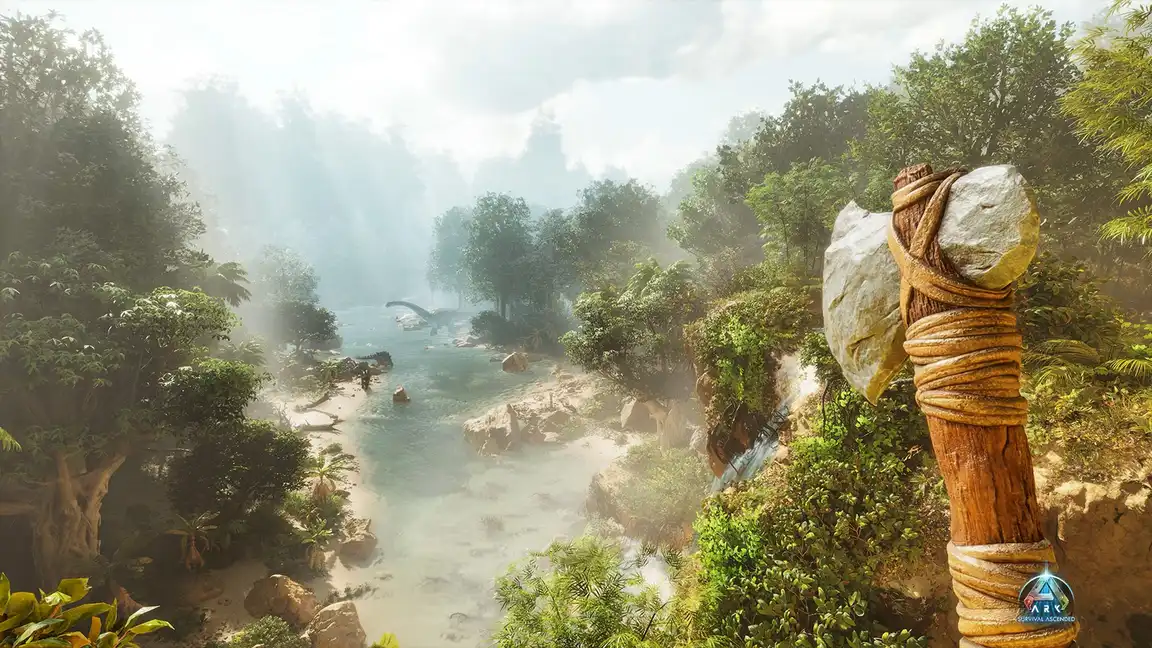
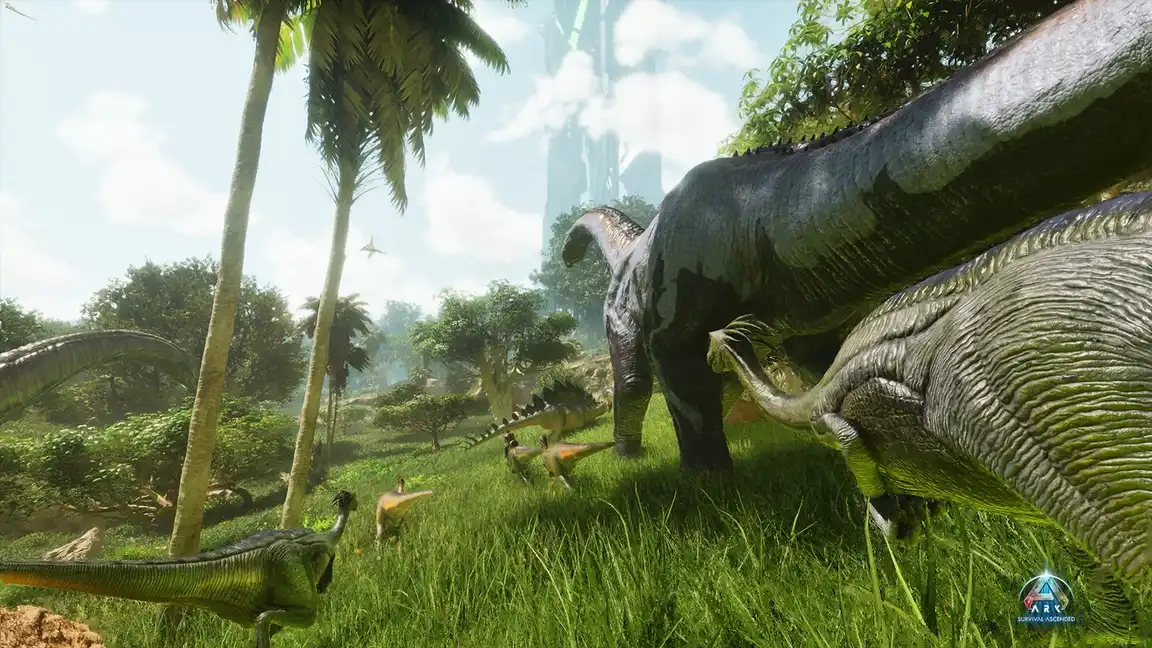
For Ark Ascended, this is a massive advantage. The game is known for its stunning visuals and equally demanding system requirements. GeForce Now bypasses these requirements entirely, letting you enjoy the lush environments, detailed dinosaurs, and complex base building without needing to own a top-tier gaming PC yourself. It's about bringing the ultimate Ark Ascended experience to everyone.
Can My Older PC or Laptop Truly Run Ark Survival Ascended Through GeForce Now?
Absolutely! This is one of the biggest appeals of GeForce Now for gamers who are budget-conscious or simply haven't upgraded their hardware recently. If your PC or laptop can play a YouTube video or stream Netflix smoothly, it likely has enough power to run GeForce Now. The service handles all the heavy lifting of rendering Ark Survival Ascended in high definition, often with ray tracing and other advanced features, then sends a compressed video stream to your device. This means your five-year-old laptop can suddenly be playing Ark Ascended with settings that would normally require a cutting-edge RTX 4080 graphics card. It's a game-changer for those balancing gaming with real-world expenses, allowing you to stay current with popular titles without a hefty investment.
What are the GeForce Now Membership Tiers and Which is Best for Ark Ascended?
GeForce Now offers a few tiers, each designed for different needs and budgets. Understanding them is key to picking the best one for your Ark Ascended adventures:
Free Tier: Offers 1-hour session lengths and standard access. Great for testing the service, but not ideal for long Ark Ascended sessions or consistent high performance.
Priority Tier: Provides priority access to premium servers, extended 6-hour session lengths, and RTX ON capabilities. You'll get better performance and fewer queues than the Free tier, often equivalent to an RTX 2080 GPU.
Ultimate Tier: This is the crème de la crème. You get exclusive access to the most powerful cloud gaming servers, powered by RTX 4080 GPUs. This means up to 8-hour session lengths, 4K resolution at 120 FPS or 240 FPS for competitive play, and full ray tracing support. For Ark Survival Ascended, which is incredibly graphically intensive, the Ultimate tier delivers the most immersive and responsive experience, making distant vistas and detailed dinosaur models truly shine.
For serious Ark Survival Ascended players, especially those who value graphics and smooth performance, the Ultimate Tier is highly recommended. It unlocks the full potential of Ark Ascended without any local hardware limitations.
How Do I Optimize My Settings for GeForce Now Ark Ascended for the Best Experience?
Optimizing your settings is crucial for a smooth Ark Ascended experience on GeForce Now. While GeForce Now handles the game's graphics, you can still tweak things for better streaming quality:
In-Game Settings: For Ultimate tier users, you can generally max out most graphics settings in Ark Ascended. Start with 'Epic' presets, then adjust specific demanding options like 'Cloud Quality' or 'Shadows' if you notice any hiccups. Priority tier users should aim for 'High' or 'Medium' settings with some tweaks to maintain smooth FPS.
GeForce Now App Settings: Open the GeForce Now app, go to Settings, and select 'Streaming Quality'.
Custom: Choose 'Custom' for maximum control.
Max Bit Rate: Set this as high as your internet connection can handle (e.g., 50-75 Mbps for Ultimate tier). Higher bit rates mean clearer visuals.
Resolution & Frame Rate: Match your monitor's native resolution and refresh rate. For Ultimate tier, try 3840x2160 (4K) at 120 FPS if your monitor supports it. Priority might aim for 1920x1080 (1080p) at 60 FPS.
V-Sync: Experiment with Adaptive V-Sync or turning it off. Sometimes it introduces input lag on cloud services.
Server Location: Ensure you're connected to the closest server to reduce latency. This is often automatically done but worth checking.
Internet Connection: A wired Ethernet connection is always superior to Wi-Fi for stability and speed. If Wi-Fi is your only option, ensure you're on a 5GHz band and as close to your router as possible. Disconnect other devices that might be hogging bandwidth.
These adjustments ensure that the stream from NVIDIA's servers to your device is as crisp and responsive as possible, letting you enjoy every detail of Ark Ascended.
What are the Common Issues with GeForce Now Ark Ascended and How Do I Fix Them?
While GeForce Now offers an incredible experience, like any technology, it can encounter a few hiccups. Here's a quick troubleshooting guide for common issues:
Lag or Stuttering: This is usually internet-related. Check your connection speed (NVIDIA recommends at least 15 Mbps for 720p 60FPS, 25 Mbps for 1080p 60FPS, and 50 Mbps for 4K 120FPS). Try switching from Wi-Fi to a wired connection, reducing your streaming quality in GeForce Now settings, or closing other bandwidth-heavy applications.
Input Delay: Also known as input lag, this makes your character feel unresponsive. Ensure you're connected to the closest GeForce Now server and your internet latency (ping) is low. Try reducing in-game graphical settings slightly, as this can sometimes free up server resources and improve responsiveness. Disable any local VPNs.
Game Not Launching/Crashing: Sometimes Ark Ascended itself can be buggy. Ensure you own the game on a supported digital storefront (Steam or Epic Games Store). If the issue persists, try launching another game on GeForce Now to see if the problem is specific to Ark Ascended or the service itself. You can also try clearing the GeForce Now app's cache or reinstalling it.
Blurry Stream: This indicates insufficient bandwidth or a low bit rate setting. Increase your custom bit rate in GeForce Now settings if your internet allows, and ensure other devices aren't saturating your network.
Most issues can be resolved by optimizing your network or GeForce Now settings. Remember, GeForce Now is a streaming service, so a stable and fast internet connection is your best friend.
Can I Play Ark Survival Ascended with Friends on GeForce Now?
Absolutely! Social gaming is a huge part of the Ark experience, and GeForce Now fully supports it. When you launch Ark Survival Ascended through GeForce Now, you're playing the full PC version of the game. This means:
Multiplayer Servers: You can join any official or unofficial Ark Survival Ascended servers, just like someone playing on a local PC. Your friends don't need to be using GeForce Now; they just need to be on the PC version of the game.
Cross-Play (PC only): While Ark Ascended does have some console cross-play, GeForce Now users will interact with other PC players. This means you can easily team up with friends who own the game on Steam or Epic Games Store, regardless of their local hardware.
Discord Integration: Many gamers today, especially those balancing life and gaming, rely on Discord for voice chat and coordination. GeForce Now doesn't interfere with this; you can run Discord on your local machine while streaming Ark Ascended, allowing seamless communication with your tribe.
So gather your tribe, because GeForce Now makes it simple to dive into the co-op chaos and community of Ark Survival Ascended together!
Is GeForce Now a Good Value for Ark Survival Ascended Players?
For many US gamers, particularly those around the average age of 36 who balance work and life, GeForce Now offers exceptional value, especially for a demanding title like Ark Survival Ascended. Consider this:
Cost Savings: A high-end GPU capable of running Ark Ascended at optimal settings can cost hundreds, if not thousands, of dollars. A GeForce Now Ultimate subscription costs a fraction of that monthly. Over several years, the savings on hardware upgrades are substantial.
Accessibility: Play Ark Ascended anywhere, anytime, on almost any device. This flexibility is invaluable for busy individuals who might only have short bursts of free time or want to game from different locations.
Always Up-to-Date: GeForce Now servers are always running the latest patches and hardware. No more waiting for downloads or installing drivers. You're always playing on a state-of-the-art system.
Performance: The Ultimate tier provides RTX 4080-level performance, which is beyond what many casual or even mid-range local gaming PCs can offer. Getting this level of graphical fidelity and frame rate for a monthly fee is incredibly appealing for a visually rich game like Ark Ascended.
When you weigh the cost of hardware, the convenience, and the top-tier performance, GeForce Now is an incredibly compelling and budget-friendly option for Ark Survival Ascended players looking for a premium experience without the premium price tag of a new PC.
How Does GeForce Now Compare to Other Cloud Gaming Services for Ark Ascended?
The cloud gaming landscape has evolved rapidly, with new players and improved services. When it comes to Ark Survival Ascended, GeForce Now stands out primarily due to its integration with your existing game library and its hardware power.
Stadia (RIP): Google Stadia, while offering a similar concept, required you to purchase games directly on their platform. Its closure highlighted the risk of not owning your games.
Xbox Cloud Gaming: A strong contender for Xbox Game Pass subscribers, offering a library of titles. However, it's generally limited to 1080p 60 FPS and doesn't offer the same raw graphical power as GeForce Now's Ultimate tier for individual game performance, especially with demanding PC-exclusive features like advanced ray tracing in Ark Ascended.
Boosteroid/Shadow: These services offer full virtual machines, giving you more control, but often come at a higher price point and require more technical setup. GeForce Now is more plug-and-play for game streaming.
For Ark Survival Ascended, where graphical fidelity and low latency are paramount for an immersive experience, GeForce Now, particularly its Ultimate tier, often holds an edge due to its focus on delivering high-performance, direct access to your existing PC game library.
What Are Some Tips for Balancing Ark Ascended on GeForce Now with Life Responsibilities?
As busy adults, our gaming time is precious. Here are some tips to make the most of your GeForce Now Ark Ascended sessions while keeping life balanced:
Schedule Your Sessions: Treat gaming like any other hobby. Block out specific times in your week. Even 1-2 hours of focused play on GeForce Now can be incredibly rewarding. The quick launch times mean less waiting around.
Utilize Mobility: One of GeForce Now's greatest strengths is playing on different devices. Have a break at work? Maybe a quick check on your mobile. Kids asleep? Hop on the living room TV. This flexibility allows you to squeeze in gaming when and where it's convenient.
Join a Tribe: Social gaming is a fantastic stress reliever. Being part of a tribe in Ark Ascended means you have partners for resource gathering, building, and defense. This makes individual sessions more efficient and enjoyable, knowing you're contributing to a larger goal.
Set Small Goals: Instead of feeling overwhelmed by the entire game, set achievable goals for each session: 'Today, I'll collect enough metal for a new forge,' or 'Tonight, I'll level up my dino.' This makes progress feel more tangible and less like a chore.
Embrace Automation: In Ark Ascended, use tamed creatures for resource gathering to save time. Automate tasks where possible to maximize your enjoyment of the more engaging aspects of the game.
Remember, gaming is about relaxation and fun. GeForce Now helps remove the technical barriers, so you can focus on enjoying Ark Ascended on your terms.
As we've explored, GeForce Now Ark Ascended is a powerful ally for the modern gamer. It tackles the common pain points of expensive hardware, complex setups, and performance woes, allowing you to dive into the mesmerizing yet demanding world of Ark Survival Ascended with ease. Whether you're a veteran survivor or a newcomer to the Arks, this cloud gaming solution empowers you to experience the game at its best, anytime, anywhere. It's about getting more out of your gaming moments without sacrificing your real-world responsibilities or your budget. What's your biggest gaming challenge when trying to keep up with new titles? Comment below and let's conquer it together!
FAQ Section
What internet speed is recommended for GeForce Now Ark Ascended?
For a good experience with GeForce Now Ark Ascended, NVIDIA recommends at least 15 Mbps for 720p at 60 FPS, 25 Mbps for 1080p at 60 FPS, and 50 Mbps or more for 4K at 120 FPS. A wired Ethernet connection is always preferred for stability.
Do I need to own Ark Survival Ascended to play it on GeForce Now?
Yes, GeForce Now doesn't include the game itself. You must own Ark Survival Ascended on a supported PC digital storefront like Steam or Epic Games Store to play it through the service.
Can I use a controller to play Ark Ascended on GeForce Now?
Absolutely! GeForce Now supports a wide range of game controllers, including Xbox and PlayStation controllers. Simply connect your controller to your local device, and GeForce Now will recognize it for Ark Survival Ascended gameplay.
Does GeForce Now support mods for Ark Survival Ascended?
Generally, GeForce Now supports games as they are provided by the game publisher. While some games allow workshop integration, direct manual installation of mods is typically not supported as you don't have direct access to the remote server's file system for Ark Survival Ascended.
Is there a queue to play Ark Ascended on GeForce Now?
The Free tier often has queues, especially during peak hours. Priority tier users get priority access, and Ultimate tier users typically experience virtually no queues, ensuring instant access to Ark Survival Ascended.
Can I transfer my Ark Survival Ascended saves between GeForce Now and a local PC?
Ark Survival Ascended usually stores save data on official servers or within your local game files for single-player. For official servers, your progress is account-based and accessible. For single-player or unofficial servers where saves are local, direct transfer might be complex as you don't control the cloud instance's local files. However, many private servers allow you to download character and creature data, which can then be uploaded to another server.
Instant access to Ark Survival Ascended without downloads. Experience high-end graphics and performance on any compatible device. Play Ark Ascended on older PCs, laptops, or even mobile. Save money by avoiding expensive hardware upgrades. Enjoy seamless cross-device gameplay. Access Ark Ascended with GeForce Now Ultimate membership for RTX 4080 power. Overcome common setup and performance challenges. Connect with friends and build your digital community in Ark Ascended via cloud gaming.
35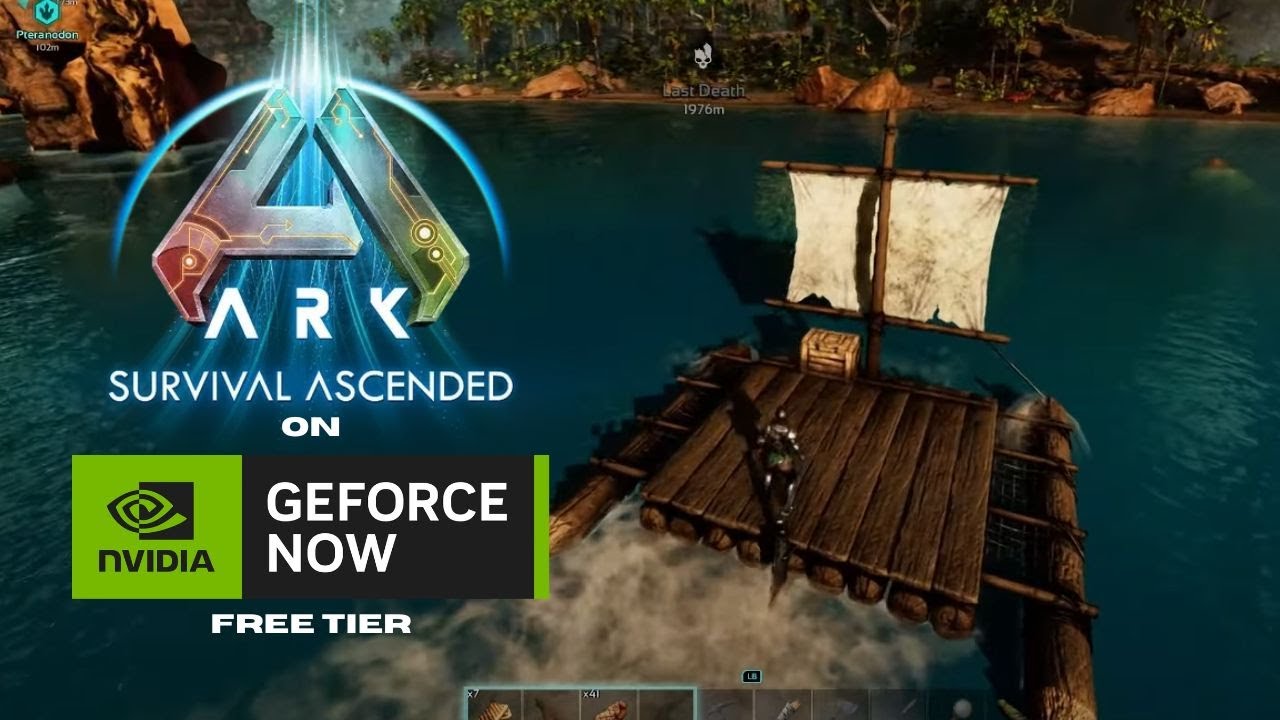


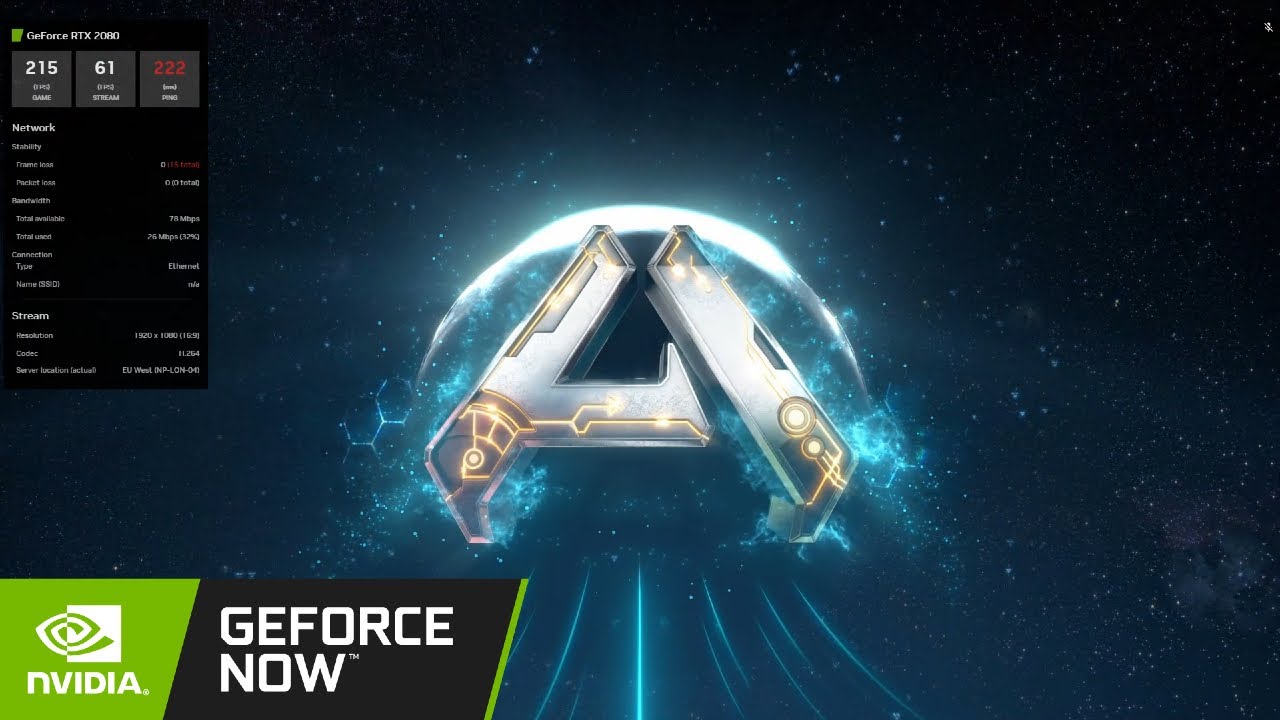

Nvidia GeForce Now FREE Tier Test ARK Survival Ascended No Longer . ARK Survival ASCENDED On GeForce NOW ULTIMATE BEST Way To PLAY . ARK Survival Ascended NVIDIA GeForce NOW Live Stream YouTube . Ark Survival Ascended GeForce Now YouTube . Ark Survival Ascended Geforce Now Vs 2 4 GHz Wi Fi Ark Survival


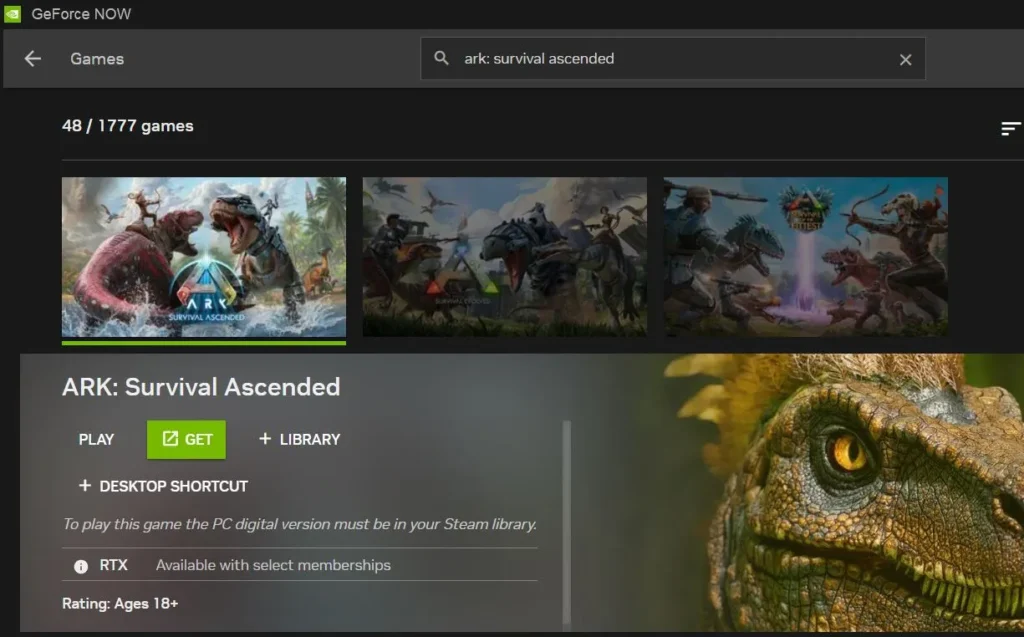


ARK Survival Ascended Now On GeForce Now Personally Hosted . GAMEPLAY ARK SURVIVAL ASCENDED GEFORCE NOW 4K COMPARACI N PRIORITY . ARK Survival Ascended On Mac Working Methods Performance Ark Survival Ascended On Mac With Geforce Now. Ark Survival Ascended On GeForce NOW At Launch R GeForceNOW Ark Survival Ascended On Geforce Now At Launch V0 . ARK Survival Ascended On GeForce Now YouTube Hqdefault


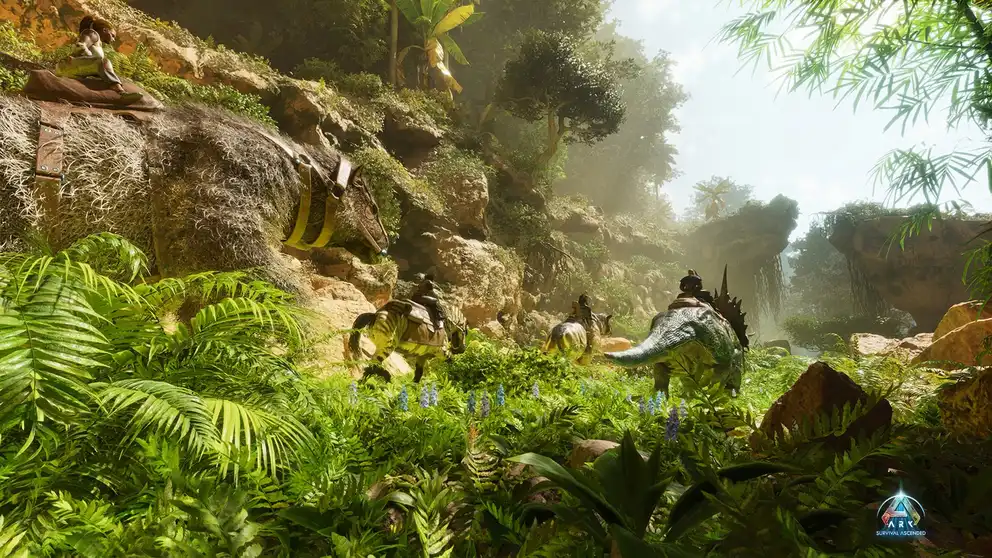
Ark Survival Ascended GeForce NOW RTX 4080 4K 120 FPS UE5 . ARK Survival Ascended Geforce Now Ultimate FPS Test RTX 4080 1440p WQHD Hqdefault . LIVE Ark Survival Ascended First Look GeForce NOW Ultimate . Nvidia GeForce Now Ark Survival Evolved Streaming Test YouTube . ARK Survival Ascended Play On GeForce Now At Gfn Am Screen 50.webp


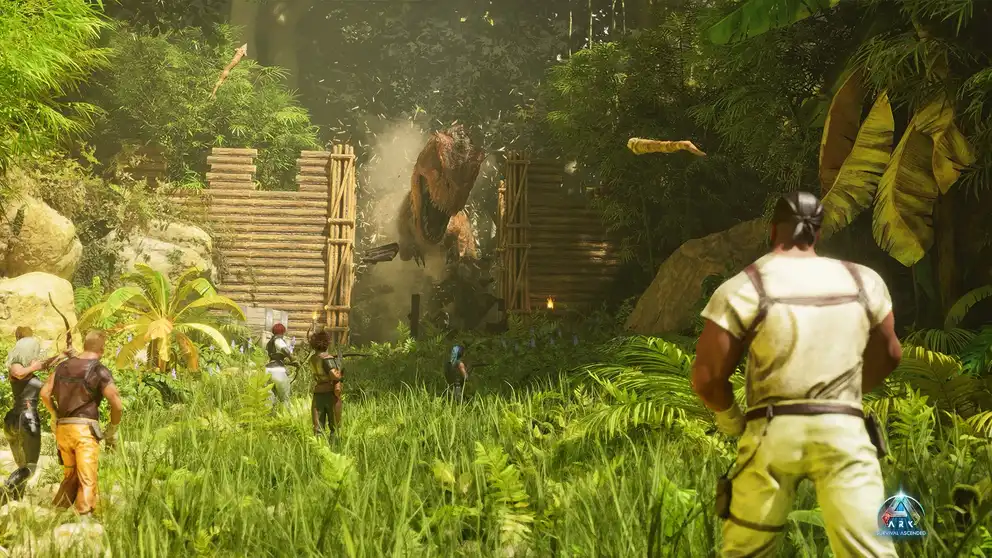
ARK Genesis Ascended Part 1 Release Changes And My Honest Player ARK Genesis Ascended Part 1 Release Changes And My Honest Player Review 2 Optimized . ARK Survival Ascended All Updates Confirmed For 2026 Vortex Gaming Hqdefault . ARK Survival Ascended Fjordur Release Date 2026 2027 Update And What ARK Survival Ascended Fjordur Release Date 2026-2027 Update And What Players Should Expect 2 Optimized . Will ARK Survival Ascended Be Available On GeForce Now GameWatcher Ark Survival Ascended Key ARt . ARK Survival Ascended Play On GeForce Now At Gfn Am Screen 50.webp
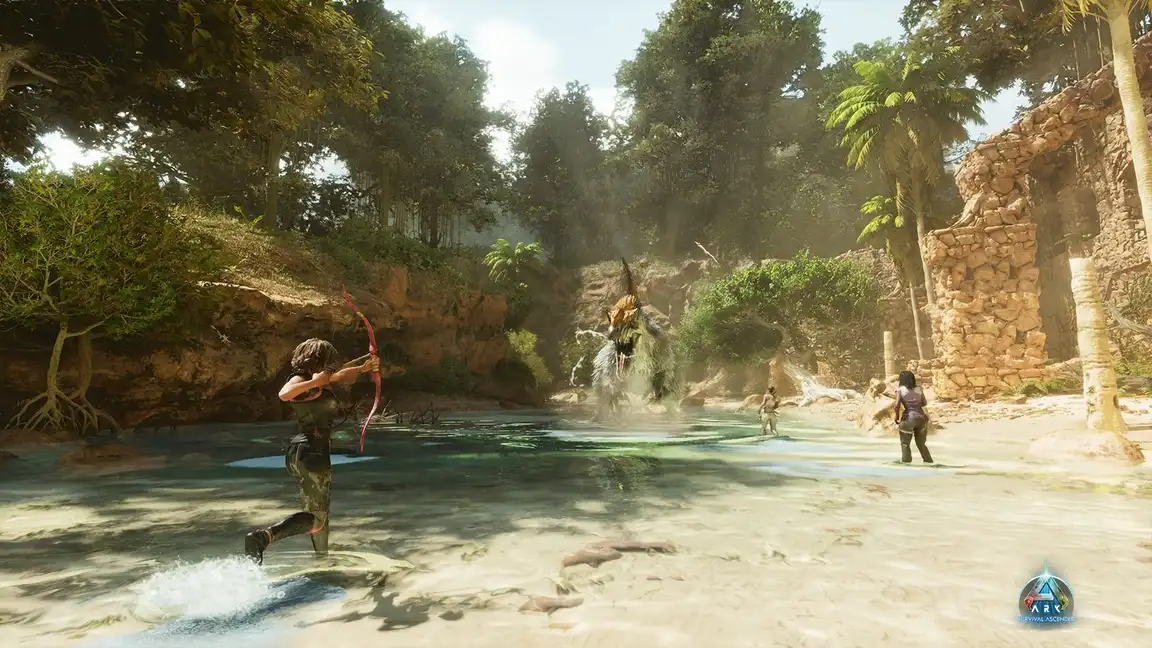

Astraeos Mega Update Is Now Live ARK Survival Ascended Update For Header . ARK Survival Ascended Play On GeForce Now At Gfn Am Scree 50.webp. ARK Survival Ascended GeForce NOW Scree 50.webp. New Roadmap Shows The Future Of Ark Survival Ascended Ark 2025 2026 Roadmap . 5329 Best GeForce Now Games Full List 07 2026 Daily Updates Ark Survival Evolved Portrait

.webp)
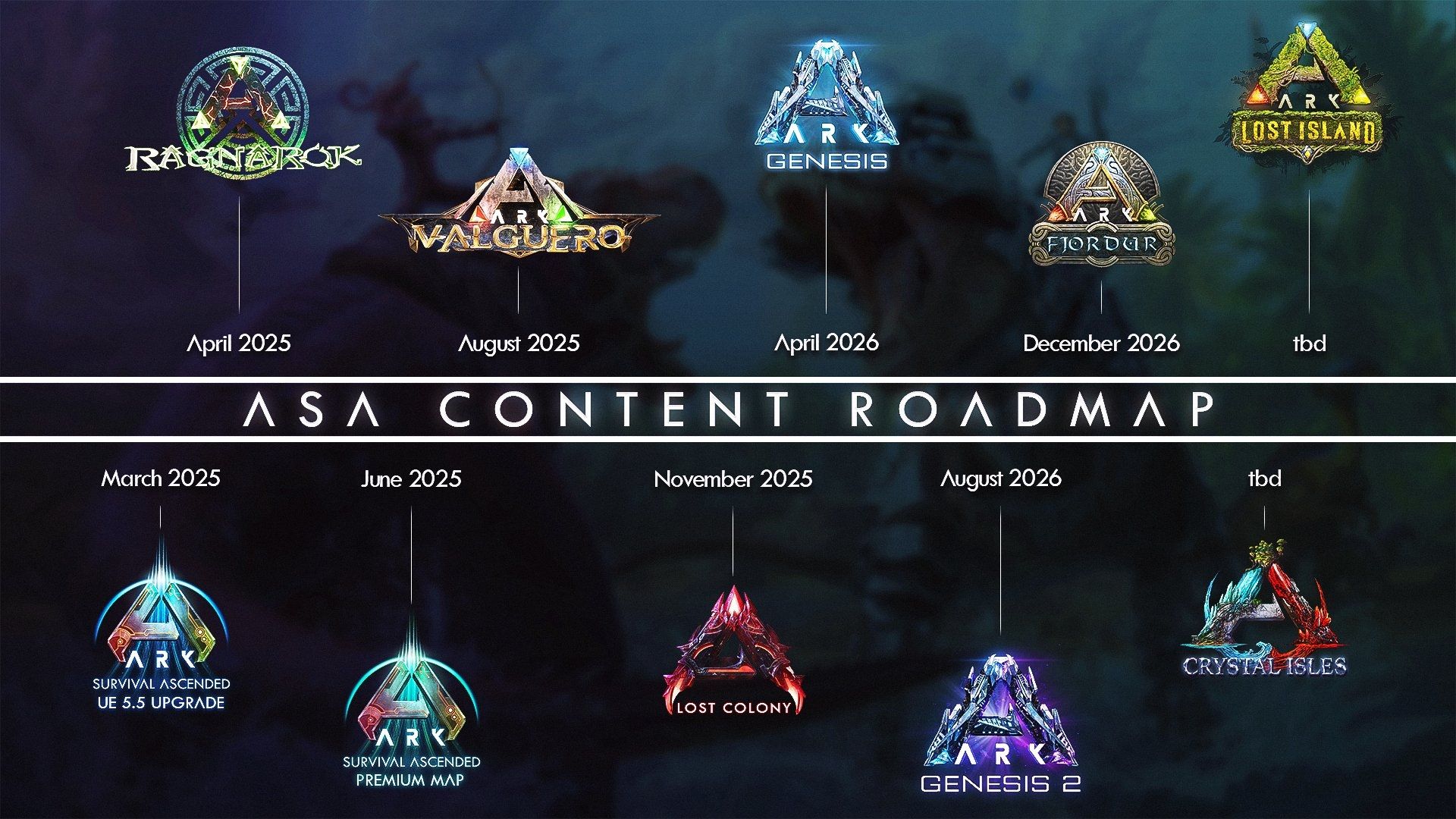
ARK Survival Ascended Cloud Gaming Where To Play Ark Survival Ascended 300x140 . Ark Easter 2025 ARK Survival Ascended Content Roadmap 2025 2026 LFMY . ARK Survival Ascended Developers Reveal 2026 2027 Update Plans ASA RoadMap2026 (1).webp. Ark Survival Ascended Cloud Gaming Cloud Gaming Catalogue ARK Survival Ascended . ARK 2 Could Be Our First Confirmed Game For 2028 After Latest Delay As ARK Roadmap 1024x576

ARK Survival Ascended . ARK Survival Ascended 2026 Update Guide Lost Colony Fixes Trait . ARK Survival Ascended Play On GeForce Now At Gfn Am Scree 50.webp. ARK Ascended 2026 2027 SOTF ARK 2 Vortex . ARK Survival Ascended Play On GeForce Now At Gfn Am Scree 50.webp