Understanding how many milliseconds (ms) your gaming monitor needs is crucial for an optimal gaming experience, especially for US gamers who often balance busy lives with their passion for interactive entertainment. This comprehensive guide cuts through the technical jargon, providing clear, actionable insights into monitor response time. We will explore the difference between Gray-to-Gray GtG and Moving Picture Response Time MPRT, demystifying which numbers truly matter for various game genres from fast-paced esports titles to immersive single-player adventures. For the average gamer, around 36 years old, who dedicates over 10 hours a week to gaming as a stress reliever or a way to connect with friends, choosing the right monitor means maximizing fun and performance without breaking the bank or getting bogged down in confusing specs. This article aims to help you make an informed decision, ensuring your hardware upgrades align with your budget and gaming style, allowing you to enjoy your limited gaming time to the fullest, whether you are on PC, console, or even mobile via cloud gaming services. We will address common pain points like ghosting and motion blur, helping you identify what truly impacts your gameplay.
What is monitor response time?
Monitor response time refers to the speed at which a pixel on your screen changes from one color to another, typically measured in milliseconds (ms). For gamers, this dictates how quickly on-screen actions are updated, with lower numbers reducing blur and ghosting for a clearer visual.
Is a 1ms response time necessary for all gamers?
No, a 1ms response time is primarily crucial for competitive esports players where every millisecond affects performance. For most casual or even semi-competitive gamers enjoying a variety of genres, a 4ms or 5ms GtG monitor provides an excellent, nearly imperceptible level of performance without the premium cost.
What's the real difference between GtG and MPRT?
GtG (Gray-to-Gray) measures the actual pixel transition speed, which is key for reducing ghosting. MPRT (Moving Picture Response Time) measures how long a pixel is visible, often using backlight strobing to reduce perceived motion blur. GtG is generally a more reliable indicator of true pixel speed.
Can I improve my monitor's response time settings?
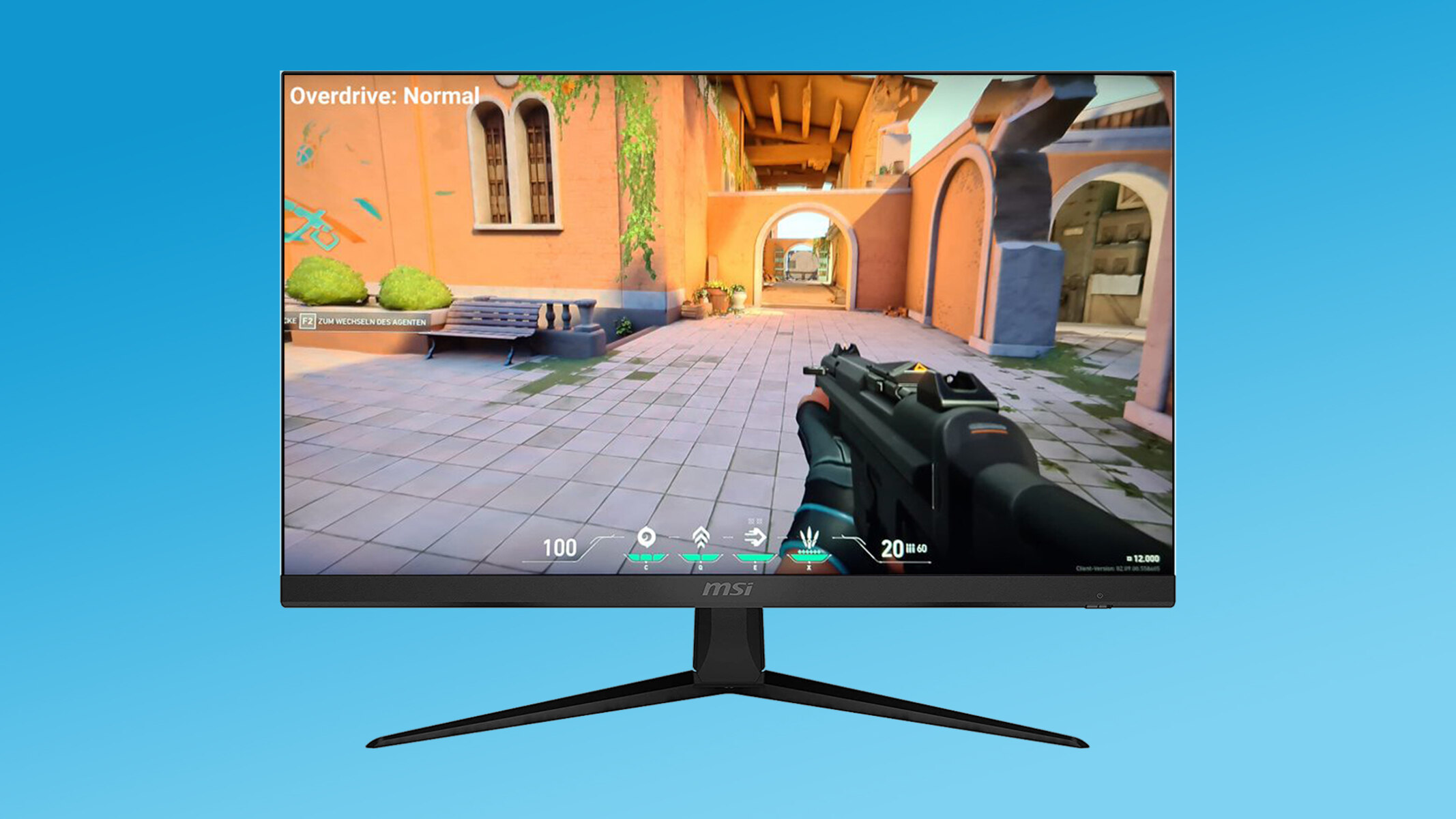
Many gaming monitors have an 'Overdrive' or 'Response Time' setting in their OSD (On-Screen Display) menus. Increasing this can speed up pixel transitions, but setting it too high might introduce 'inverse ghosting' or 'overshoot artifacts,' so it requires careful adjustment to find the sweet spot.
Does a monitor's refresh rate affect its response time?
While distinct, refresh rate and response time work together. A high refresh rate (e.g., 144Hz, 240Hz) means more frames are shown per second, but a slow response time can negate that benefit by introducing blur. Ideally, you want a high refresh rate coupled with a low response time for the smoothest experience.
Will I notice the difference between 4ms and 1ms?
Most casual gamers will struggle to notice a significant difference between 4ms and 1ms in typical gameplay. The difference is most pronounced in very fast-paced, high-refresh-rate competitive games and for highly sensitive individuals. It's often more about perceived smoothness than a truly visible artifact for many.
Are budget gaming monitors with higher MS values still good?
Absolutely. Many budget-friendly gaming monitors with 4ms or 5ms GtG response times are perfectly suitable for the majority of gamers, offering great value without significant visual drawbacks for non-esports titles. They deliver a fantastic experience for unwinding after work or enjoying social gaming with friends.
Hey fellow gamers! Ever felt like your shots were just a hair off, or that enemies seemed to blur into the background during a frantic firefight? You are not alone. Many of us, especially those balancing work, family, and life commitments, carve out precious hours for gaming to unwind, connect with friends, or simply escape into incredible worlds. We want our gaming time to be smooth, immersive, and responsive, not bogged down by hardware limitations. A common culprit behind those visual frustrations is often your monitor's response time, measured in milliseconds, or 'ms.' With 87% of US gamers regularly playing, many dedicating over 10 hours a week, optimizing every detail of our setup becomes more than just a hobby—it is about getting the most out of our valuable leisure time.
You might have seen those '1ms' labels plastered everywhere and wondered if it is truly necessary, or just marketing hype. This guide is here to demystify 'how many ms for a gaming monitor' you really need. We will break down the crucial details, help you understand what response time actually means for your gameplay, and guide you toward making an informed decision that fits your budget and gaming style. Whether you are a dedicated esports enthusiast, a casual story-seeker, or someone just looking for the best bang for their buck, we have got the practical, no-nonsense advice you need to level up your visual experience. Let's dive in and make sure your monitor is working with you, not against you.
What Exactly Is Monitor Response Time (MS) and Why Does It Matter for Gamers?
Monitor response time, typically measured in milliseconds (ms), refers to the speed at which a pixel on your screen can change from one color to another, usually from gray to gray (GtG). For gamers, this number is critical because it directly impacts how quickly and clearly on-screen actions are displayed. A slower response time can lead to visual artifacts like 'ghosting' or 'motion blur,' where fast-moving objects leave a trail behind them, making it harder to track targets or react quickly in games. Imagine trying to hit a headshot in your favorite shooter only to see a blurry mess. That is where response time comes in.
For the average gamer who enjoys everything from competitive shooters to expansive RPGs, minimizing these visual distractions means a more immersive and less frustrating experience. It is not just about raw performance; it is about enjoying the art and action of the games we love without our hardware getting in the way. Given that many US gamers value relaxation and fun, reducing visual artifacts helps achieve that seamless escape they seek after a long day.
What Is the Ideal MS Response Time for a Gaming Monitor?
The ideal response time largely depends on your gaming habits and the types of games you play. For highly competitive esports titles like Valorant, CS2, or Call of Duty, a 1ms Gray-to-Gray (GtG) response time is generally considered the gold standard. This ultra-fast response helps eliminate nearly all ghosting and motion blur, giving you the clearest possible image and potentially a competitive edge where every millisecond counts. Many professional gamers and streamers, who heavily influence purchasing trends this month, swear by 1ms monitors for their crisp visuals.
However, for most casual to semi-competitive gamers, a 4ms or 5ms GtG monitor offers an excellent balance of performance and cost. You will likely notice minimal ghosting, if any, especially in games that are not hyper-fast paced. For single-player adventures, strategy games, or cozy simulation titles, a 4ms or 5ms response time is perfectly adequate and will provide a smooth, enjoyable experience. Given that many gamers balance budget with performance, opting for a slightly higher ms can often free up funds for other components like a better GPU or more games for their limited gaming time.
What Is the Difference Between GtG and MPRT Response Time?
When shopping for a gaming monitor, you will often see two different response time specifications: Gray-to-Gray (GtG) and Moving Picture Response Time (MPRT). It is important to understand the distinction as they measure different things.
Gray-to-Gray (GtG): This is the most common and generally more important metric. It measures the time it takes for a pixel to transition from one shade of gray to another. A lower GtG value indicates faster pixel transitions and less ghosting. When gamers talk about
Understanding monitor response time (ms) is vital for gamers to minimize ghosting and motion blur. For competitive gaming, 1ms GtG is the gold standard, providing the crispest visuals and fastest reactions. Casual and story-driven gamers can often find excellent experiences with 4ms or 5ms GtG monitors, which are usually more budget-friendly. Differentiate between GtG (true pixel transition speed) and MPRT (motion blur reduction), as GtG is generally a more reliable indicator of performance. Consider your gaming habits, budget, and the types of games you play most when deciding on the ideal response time for your gaming monitor.
35#1 Gallery how many ms for gaming monitor

MSI Unveils World S First Mini LED Gaming Monitor At CES 2026 109565 9962 Msi Unveils Worlds First 5k Gaming Monitor . Jual Xiaomi G27i 2026 Monitor Gaming 200hz Fast Ips Fhd 1ms Gtg Xiaomi Xiaomi G27i 2026 Monitor Gaming 200hz Fast Ips Fhd 1ms Gtg Freesync Premium Full05. Xiaomi Lanza El Monitor Gaming G34WQi 2026 Con Panel VA 180 Hz Y G34WQi 2026 Portada . Gaming Monitor Guide 2026 Everything You Need To Know London Daily News Gaming Monitor Guide 2026 Everything You Need To Know11. Monitor Gaming Xiaomi G27Qi 2026 27 QHD 200 Hz 1 Ms HDR 400 IPS Fee 786 587 Png
#2 Gallery how many ms for gaming monitor


Xiaomi Launches G24i 2026 And G27i 2026 Gaming Monitors In The Xiaomi Launches G24i 2026 And G27i 2026 Gaming Monitors In The Philippines . BEST Gaming Monitor In 2026 Here S What You SHOULD Buy At Every . Xiaomi Gaming Monitor G24i 2026 Dan G27i 2026 Diluncurkan Hadirkan Cuplikan Layar 2025 08 21 111907 . Jual Xiaomi Gaming Monitor G24i 2026 Fast IPS FHD Resolution Faster Id 11134208 81ztk. Round Up All The Latest Awesome 2026 Monitors From MSI At CES 2026 Vlcsnap 00002 768x432
#3 Gallery how many ms for gaming monitor
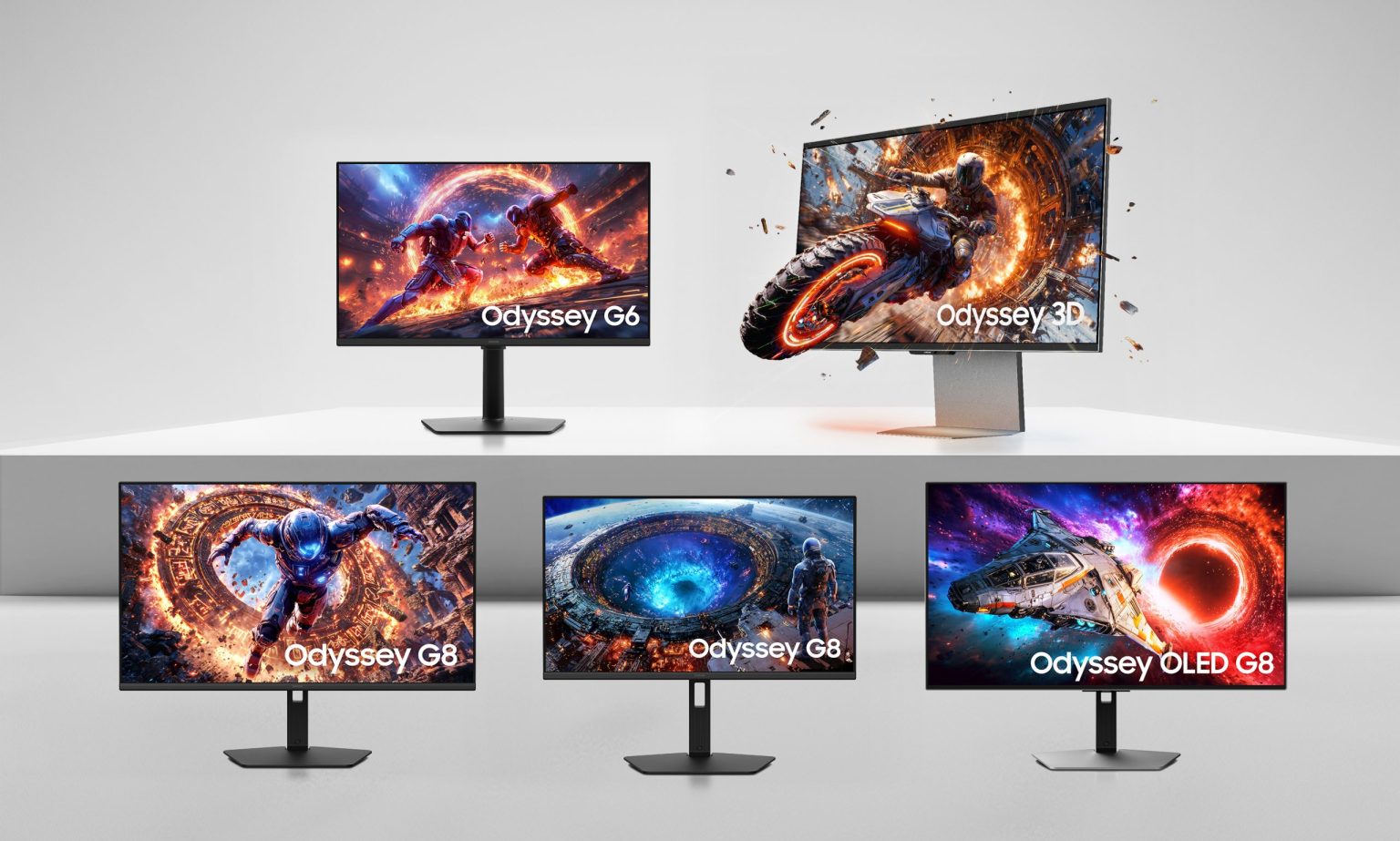
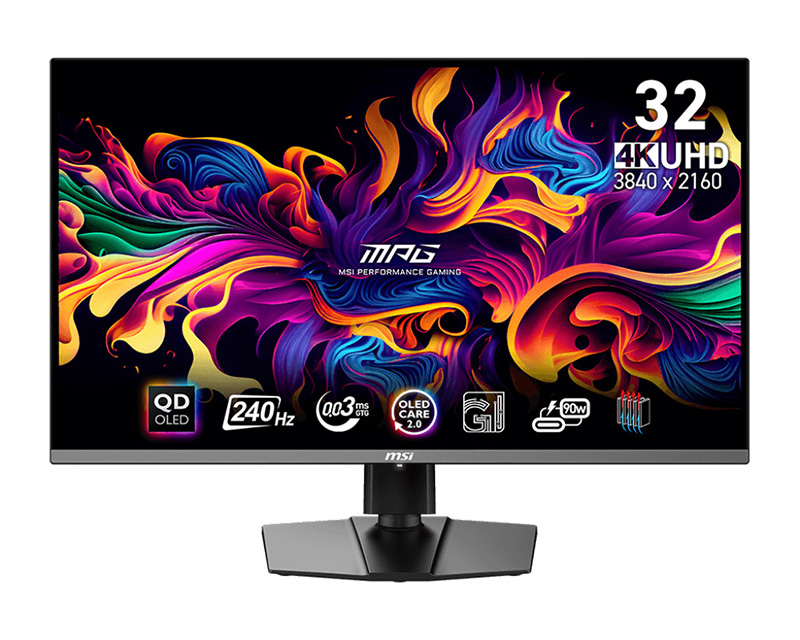

MSI Unveils World S First Mini LED Gaming Monitor At CES 2026 109565 20 Msi Unveils Worlds First 5k Gaming Monitor Full . 2026 Odyssey Gaming Monitor Lineups Scaled YugaTech Philippines 2026 Odyssey Gaming Monitor Lineups Scaled 1 1536x923 . The Best Recommended Gaming Monitors 2026 TFTCentral Msi Mpg321urx 3 . Best Gaming Monitors For 2026 Reviews And Bharat Erberbr . Top 10 Best Gaming Monitor 2026 Reviews And Buying Guide Featured Top 10 Best Gaming Monitor 2026 Reviews And Buying.webp
#4 Gallery how many ms for gaming monitor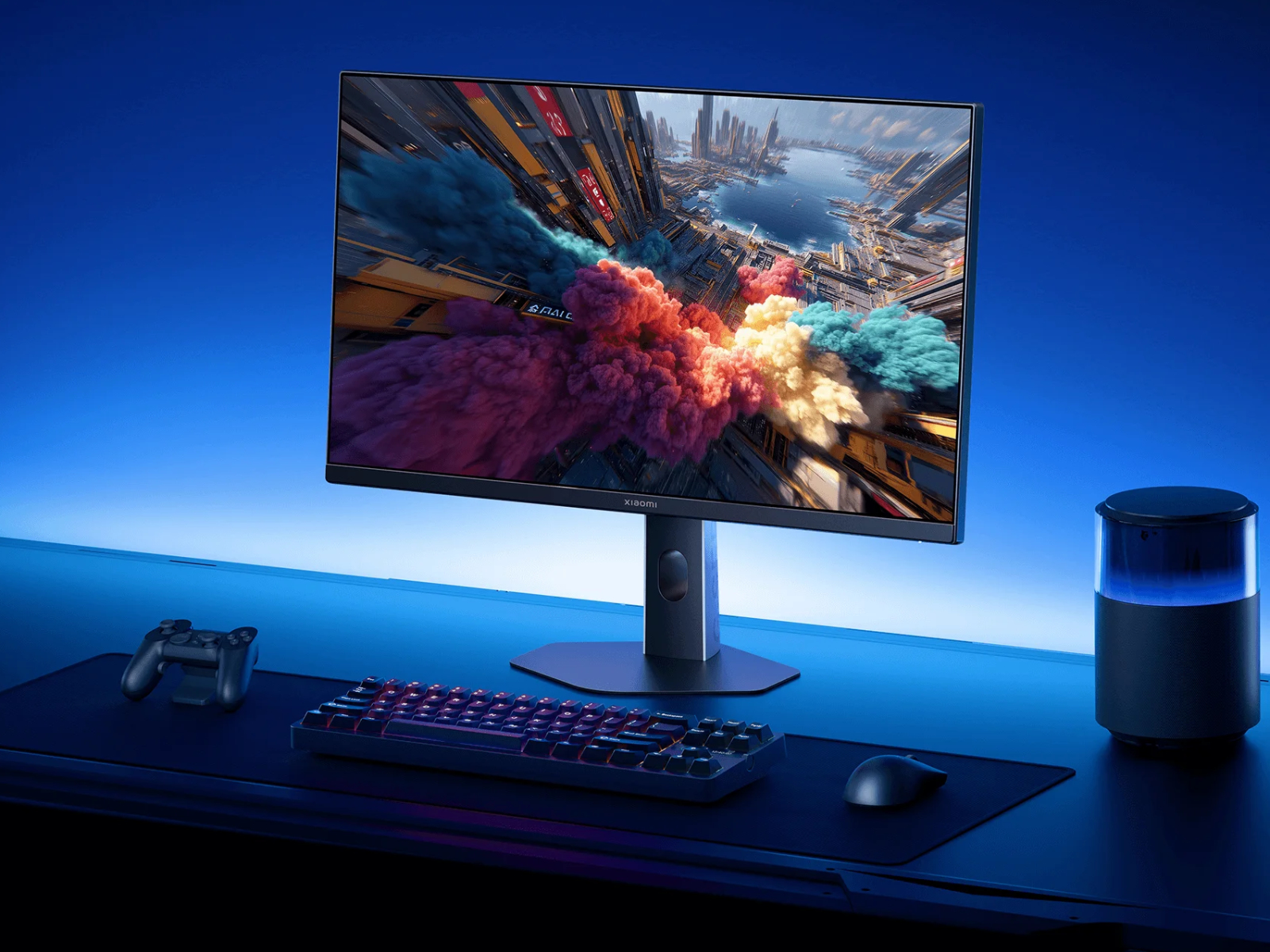


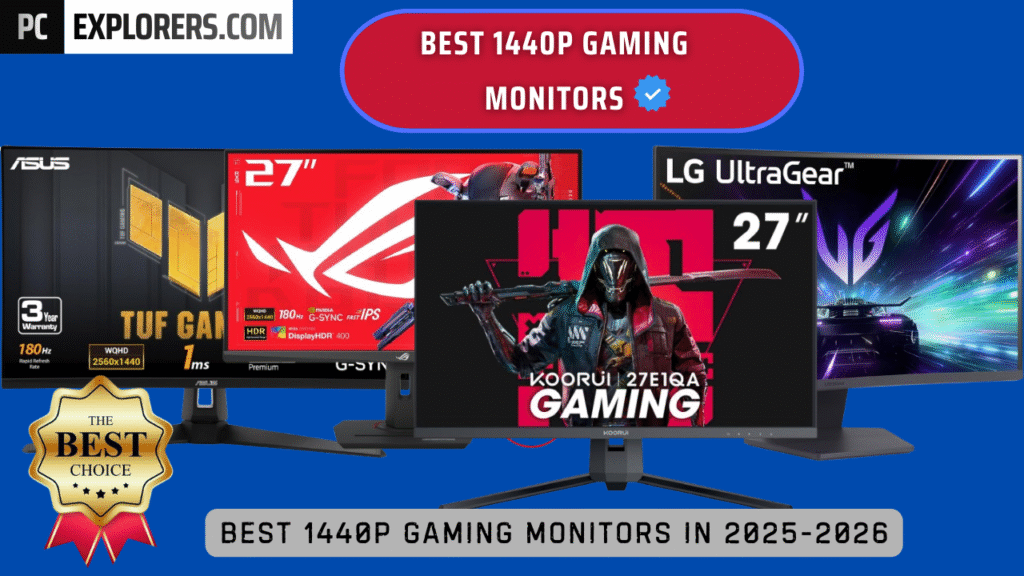

Xiaomi Reveals Global Launches Planned For New G24i 2026 And G27i 2026 Xiaomi 24 And 27 Inch 2026 Launches Kv . Monitor Gaming Xiaomi Gaming Monitor G24i 2026 23 8 Full HD 1ms Monitor Gaming Xiaomi Gaming Monitor G24i 2026 23 8 Full Hd 1ms 200hz Ips Negro . MSI Launches A Gaming Monitor In With NVIDIA And New MSI Gaming Monitor CES 2026 1420x799 . BEST 1440P GAMING MONITORS IN 2025 2026 PC Explorers Best 1440p Gaming Monitors For Gaming In 2025 2026 1024x576 . 2026 4K Gaming Monitors GPU Balance And Best Settings 2 3 1
#5 Gallery how many ms for gaming monitor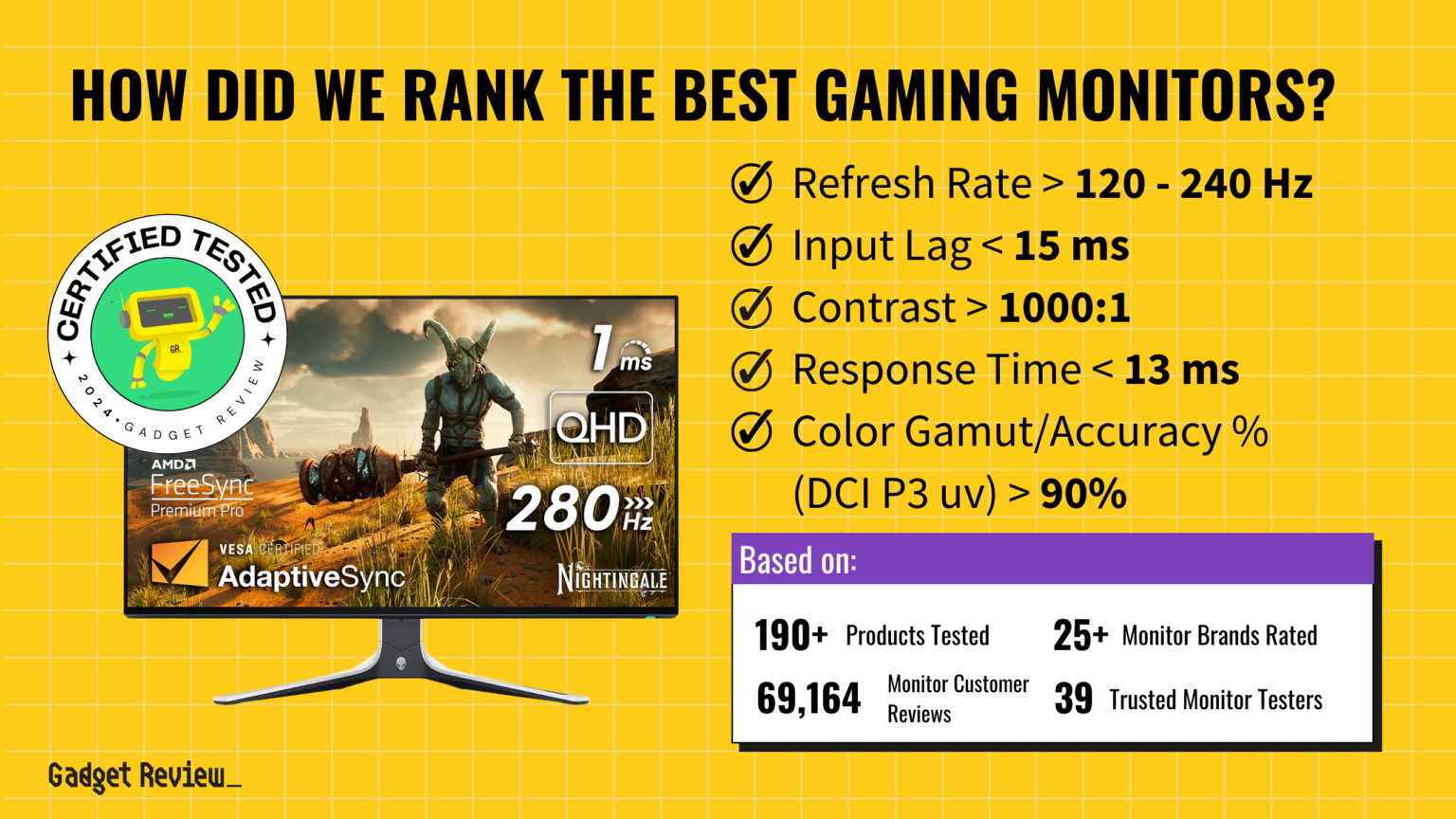



Microsoft S Next Gen Xbox Approved For 2026 Launch Promises Largest Best Gaming Monitor Guide That Shows The Top Best Gaming Monitor Model 1 1536x864 . HyperX S 2026 Gaming Monitor Lineup Includes A 500Hz QD OLED AIVAnet Monitor Family . Samsung 2026 Odyssey Gaming Monitor Lineup Best Of High End Samsung 2026 Odyssey Gaming Monitor Lineup 4 . 12 Best Gaming Monitors 2026 Models Tested Reviewed Featured Image Fqidou7g 300x210 . Samsung 2026 Odyssey Gaming Monitor Lineup Best Of High End Samsung 2026 Odyssey Gaming Monitor Lineup 3
#6 Gallery how many ms for gaming monitor
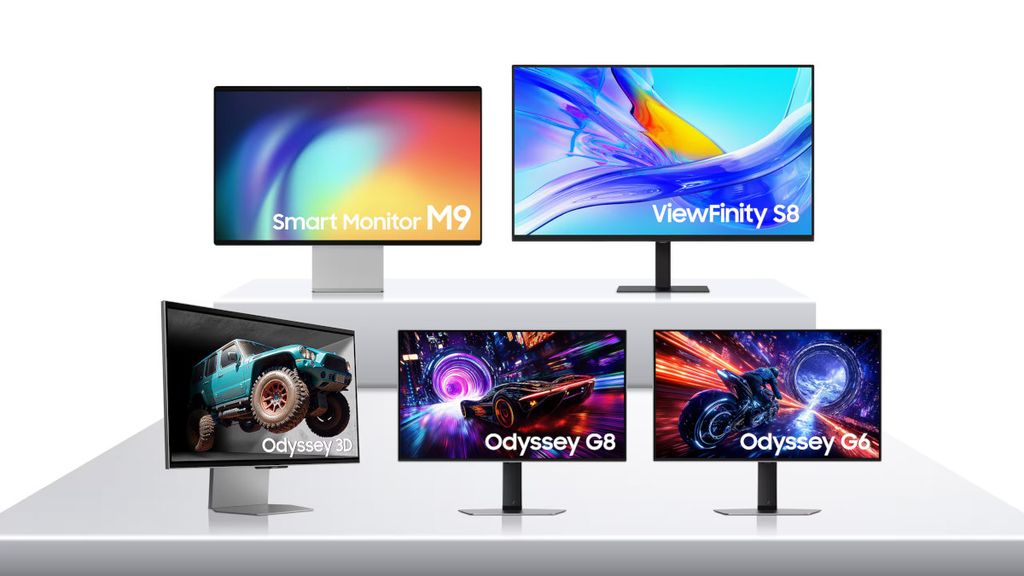


Best Gaming Monitors 2026 MSI MPG 341CQR X36 With Box Image By PC Guide . All New OLED Monitors Debuting In 2026 Samsung 2025 Monitor Range . 12 Best Gaming Monitors For PS5 July 2026 Guide Best Gaming Monitors For PS5 300x167 . Round Up All The Latest Awesome 2026 Monitors From MSI At CES 2026 Vlcsnap 00004 . The Best Recommended Gaming Monitors 2026 TFTCentral 1 2
#7 Gallery how many ms for gaming monitor


Best Gaming Monitor In 2026 For Every Budget And Play Style Stuff AOC 24G2SPAE . GIGABYTE Unveils Next Gen OLED Gaming Monitors At CES 2026 Gigabyte Next Gen Oled Gaming Monitors Ces 2026 1 . CES 2026 World S First Gaming Monitors LG Display Newsroom Hq720 6 1 . Xiaomi Launches G24i 2026 And G27i 2026 Gaming Monitors In The Xiaomi Launches G24i 2026 And G27i 2026 Gaming Monitors 1024x716 . How To Move Game To Another Monitor Robots Net Gaming Monitor What Is Overdrive 1701869724